

Homelab Journal
Homelab Journal #4: Jellyfin appeared, then permissions humbled me
Week four of the SmallGrid homelab: installing Jellyfin, creating media folders, and meeting Linux permissions in the traditional way — confusion first.
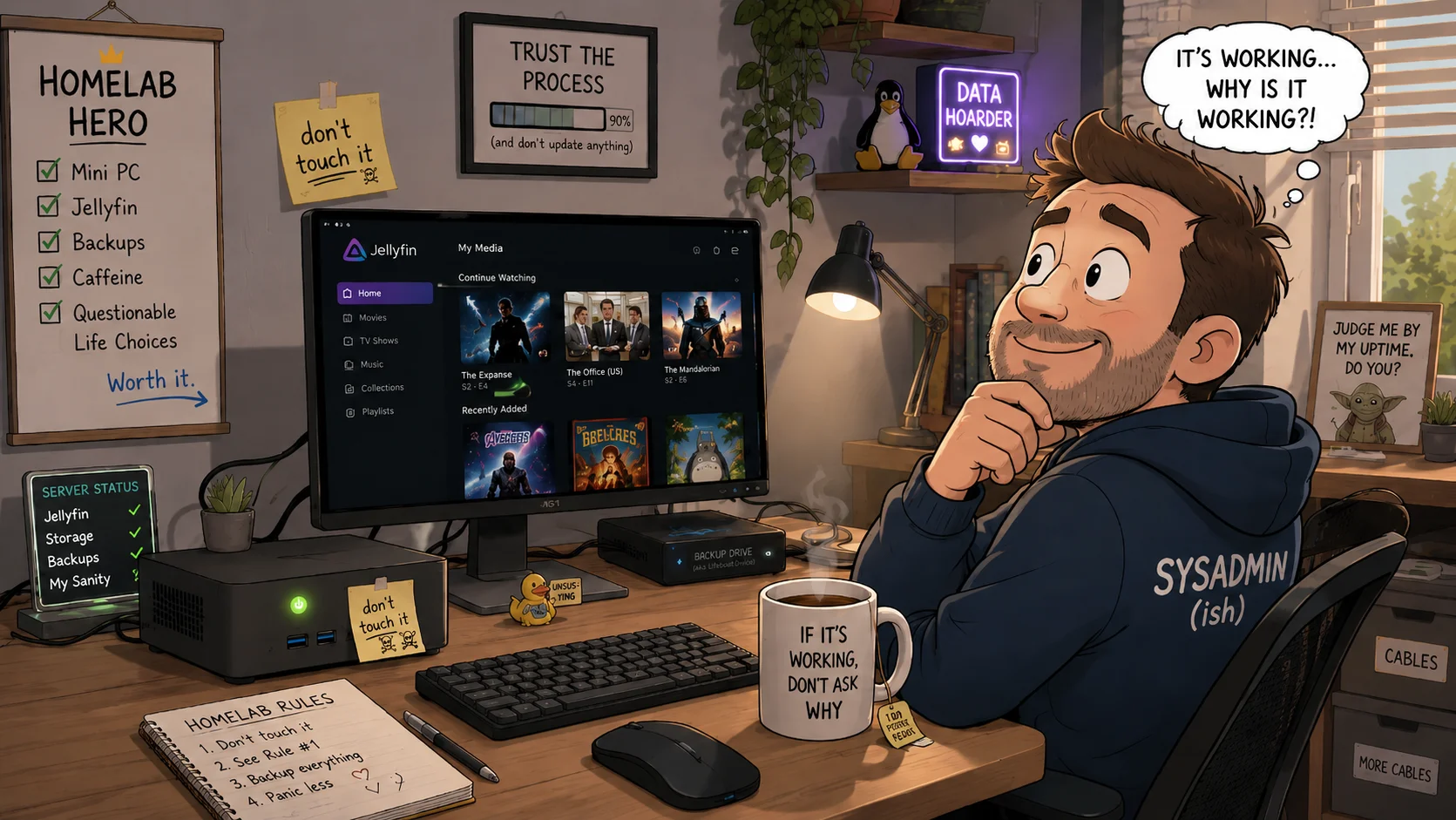
This week’s goal
Install Jellyfin and get a media library visible.
That sentence looks simple because it hides the villain: folder permissions.
What I actually did
I installed Jellyfin, opened the web interface, created an admin user, and got far enough to feel briefly competent.
Then I added a media folder and Jellyfin stared back at me like I had offered it a locked filing cabinet.
So the week turned into the useful basics:
- creating proper media folders
- checking which user Jellyfin runs as
- testing access from the command line
- giving Jellyfin read access without making everything world-writable
The breakthrough was testing as the Jellyfin user instead of guessing:
sudo -u jellyfin ls -la /mnt/mediaWhen that failed, the problem stopped being mysterious.
What broke, or nearly did
I very nearly used chmod -R 777 because the internet has a way of making bad ideas look efficient.
I did not. Personal growth. Minimal, but measurable.
What I’m keeping
/mnt/mediaas the clear media path- Jellyfin with read-only access to the library
- A permissions checklist
- No random permission hammering
SmallGrid takeaway
If Jellyfin cannot see your media, do not reinstall it first. Check whether the Jellyfin user can actually read the folder. Most of the time, the drama is Linux being Linux.