

Practical home-lab library
Find the guide that solves today’s problem.
Clear, tested tutorials for small and efficient home labs. Browse by technology or use the filters to narrow the library without wading through a wall of tags.
- 96
- practical guides
- 6
- clear topics
- 1
- maintainable path
Browse by technology
Choose where you want to start
All tutorials
Explore the library
96 guides shown
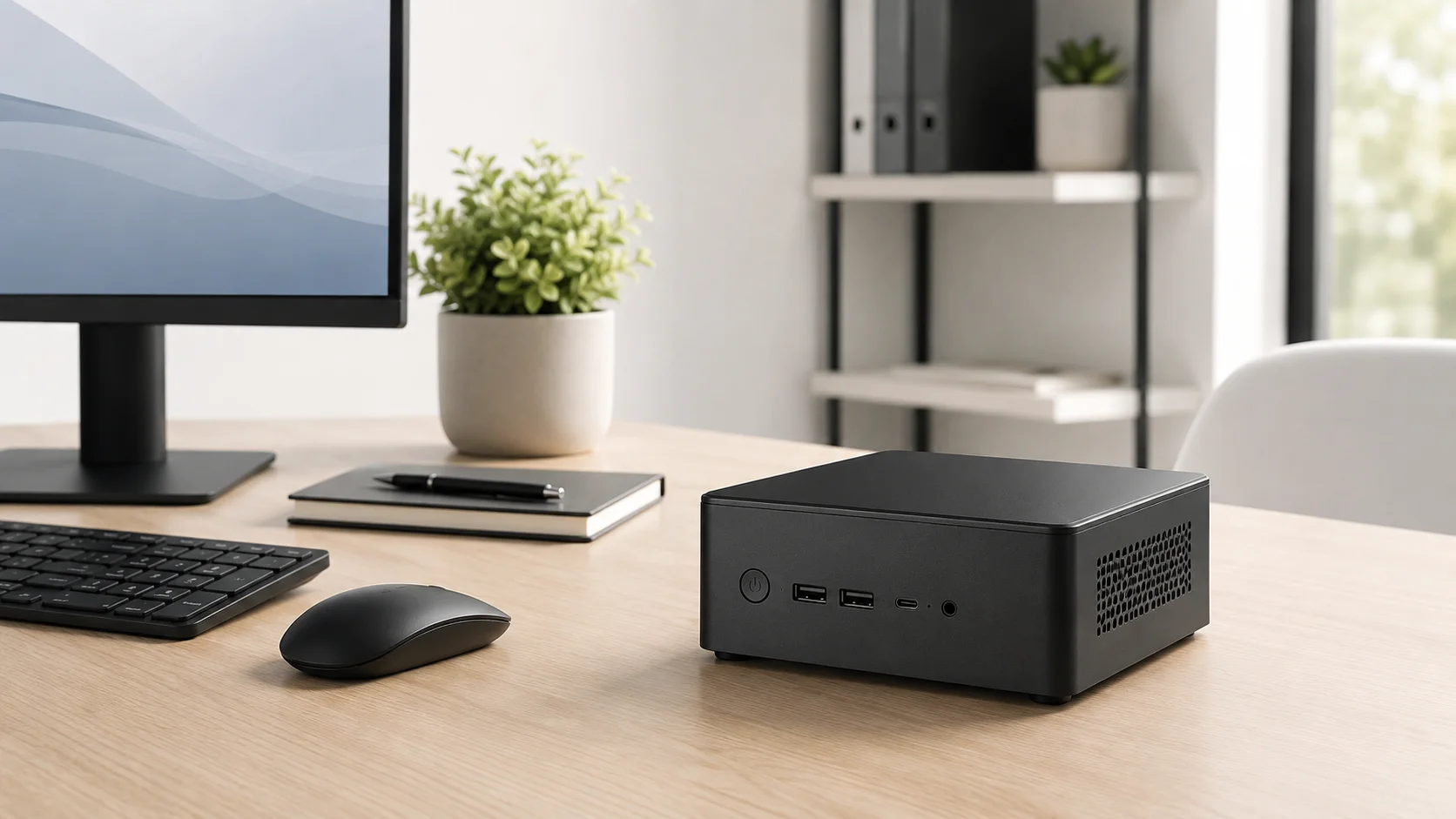
Best Mini PC for Jellyfin: CPU, RAM and Quick Sync Specs
Looking for the best mini PC for a Jellyfin server? Compare Intel N100 and used Core i5 options, Quick Sync, RAM, SSD and low-power requirements.
Read guide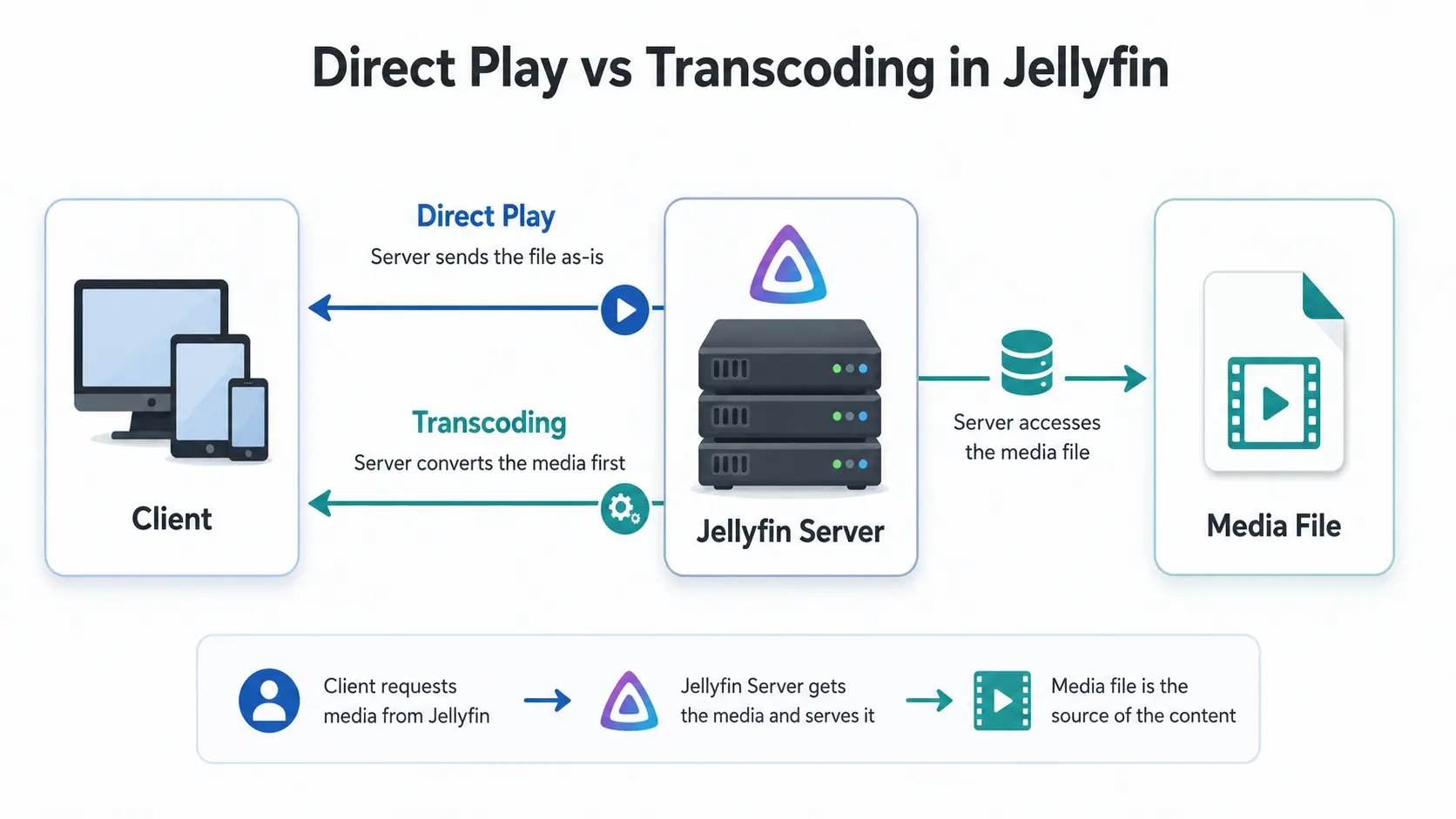
Jellyfin Supported Formats: Can It Play MKV, MP4 and HEVC?
Can Jellyfin play MKV, MP4 and HEVC? See supported containers, codecs and subtitles, plus why files Direct Play, Direct Stream or transcode.
Read guideJellyfin Direct Play vs Transcoding: What Is the Difference?
Why is Jellyfin transcoding instead of Direct Playing? Compare Direct Play, Direct Stream and transcoding, CPU usage, quality and common triggers.
Read guideJellyfin System Requirements: Minimum CPU, RAM and 4K Specs
What are the minimum Jellyfin server requirements? Compare CPU, RAM, GPU and storage needs for Direct Play, 1080p, 4K and Docker setups.
Read guideUbuntu 26.10 for Home Servers: Should You Upgrade from 26.04 LTS?
Decide whether Ubuntu 26.10 is worth using on a Jellyfin, Docker or home-lab server, how it differs from 26.04 LTS, and how to test it safely before changing production.
Read guide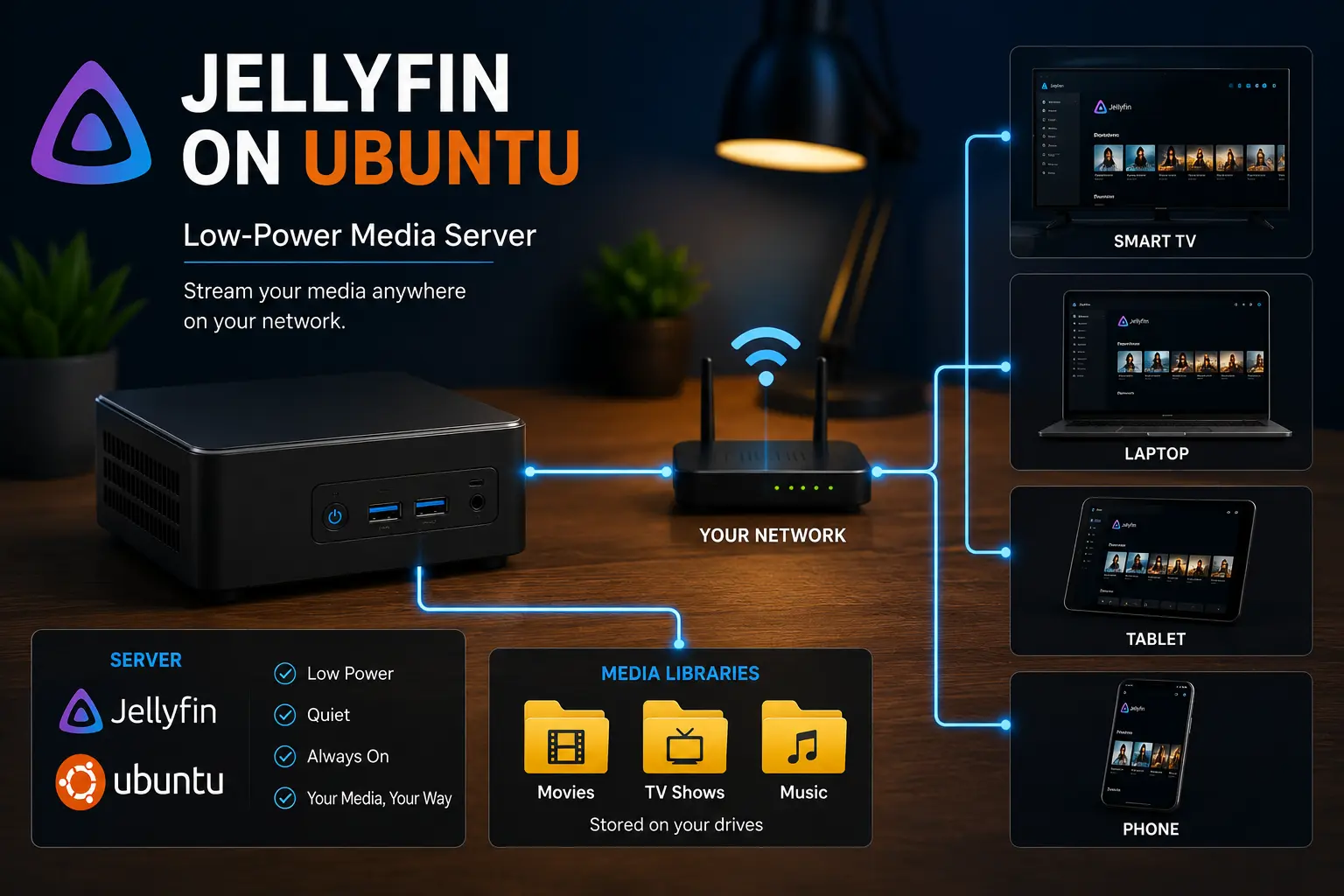
Jellyfin 12.2 Update Guide: Fix Scanning, Crashes and Docker Problems
Updating to Jellyfin 12.2? Back up first, update Docker or Ubuntu safely, then fix slow scans, container crashes, out-of-memory kills and transcoding.
Read guide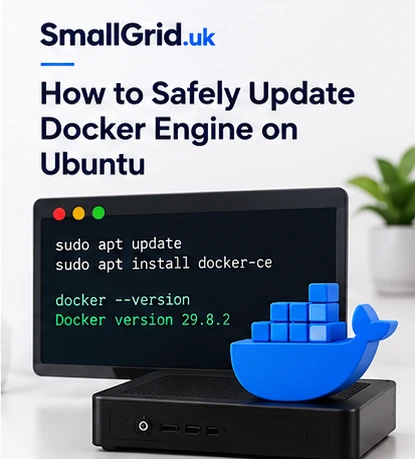
How to Safely Update Docker Engine on Ubuntu
Update Docker Engine on Ubuntu without combining application upgrades: inventory packages, back up persistent data, review release notes and verify every container.
Read guide
Docker 29.9.0 Security Update: How to Safely Update Your Home Server
Docker Engine 29.9.0 fixes multiple HTTP/2 denial-of-service issues and includes networking and image-store fixes. Check your version, update safely and verify containers, mounts and Jellyfin afterwards.
Read guideJellyfin 12 High CPU, Memory and Scan Problems: What to Check
Jellyfin 12, 12.1 or 12.2 using too much CPU or RAM, scanning forever or transcoding unexpectedly? Check version, scan state, logs, hardware acceleration, migrations and rollback safely.
Read guideJellyfin 12 Upgrade Guide: 10 Things to Check Before You Update
Prepare Jellyfin 10.10 or 10.11 for version 12: verify backups, plugins, Docker or Ubuntu packages, migrations, permissions, playback and rollback.
Read guideJellyfin 12 Upgrade Problems: What to Check After Updating
Upgraded to Jellyfin 12 and something looks wrong? Check migrations, the first full library scan, missing media, plugins, browser cache, playback, CPU, memory and rollback.
Read guideJellyfin Hardware Transcoding on Ubuntu: Intel Quick Sync Setup
Set up Jellyfin hardware transcoding on Ubuntu with Intel Quick Sync, VAAPI, render permissions, and simple checks for low-power mini PCs.
Read guide
Ubuntu Server 24.04 to 26.04.1 Upgrade Guide for Home Servers
Upgrade an Ubuntu 24.04 home server to 26.04.1 safely while protecting Docker, Jellyfin, storage mounts, third-party repositories and remote access.
Read guideHow to Upload an ISO Image to Proxmox
Download, verify and upload an operating-system ISO to the correct Proxmox storage, then diagnose missing upload buttons and failed transfers.
Read guide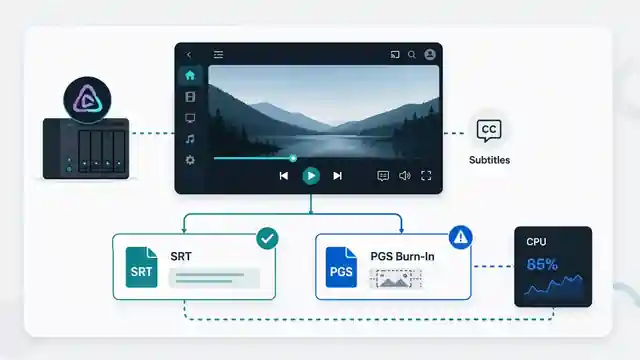
Jellyfin Subtitles Causing Transcoding: How to Stop Burn-In
Fix Jellyfin subtitle burn-in and unnecessary transcoding. Learn which subtitle formats Direct Play, why PGS causes problems, and how to test client support.
Read guide
Jellyfin Troubleshooting: Fix Missing Files, Scanning and Playback
Troubleshoot Jellyfin systematically. Fix missing media, scan failures, permissions, storage mounts, transcoding, subtitles, remote access and high CPU use.
Read guideDocker Container Cannot Access a Mounted Folder: How to Fix It
Diagnose Docker bind-mount permission errors by checking the real host path, mount state, container UID and GID, access modes and security boundaries.
Read guide
Docker File Permissions Explained: UID, GID, Umask and Shared Media Folders
Fix Docker file permission problems by understanding UID, GID, umask, PUID/PGID, shared groups, ACLs and bind mounts. Includes Jellyfin, Sonarr and Radarr examples.
Read guide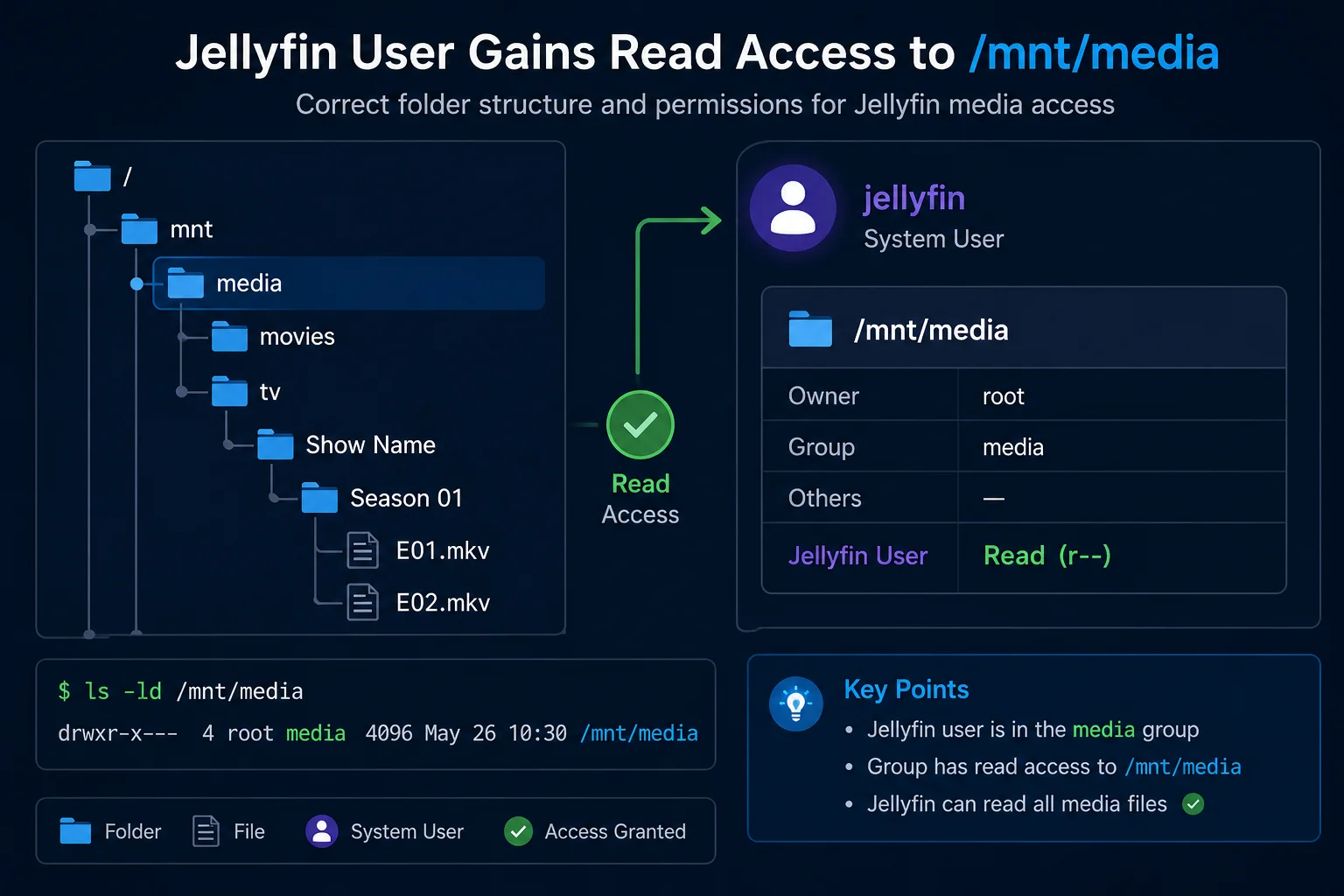
Jellyfin Docker Permissions: Fix Media Folder Access and UID/GID Errors
Fix Jellyfin Docker permission denied errors. Check bind mounts, container paths, UID and GID values, read-only media access, active mounts, and file visibility step by step.
Read guide
Jellyfin on Ubuntu: Complete Setup, Storage and Troubleshooting Guide
Set up and maintain Jellyfin on Ubuntu Server. Follow practical guides for installation, folder permissions, storage mounts, hardware transcoding, scanning, backups and major upgrades.
Read guide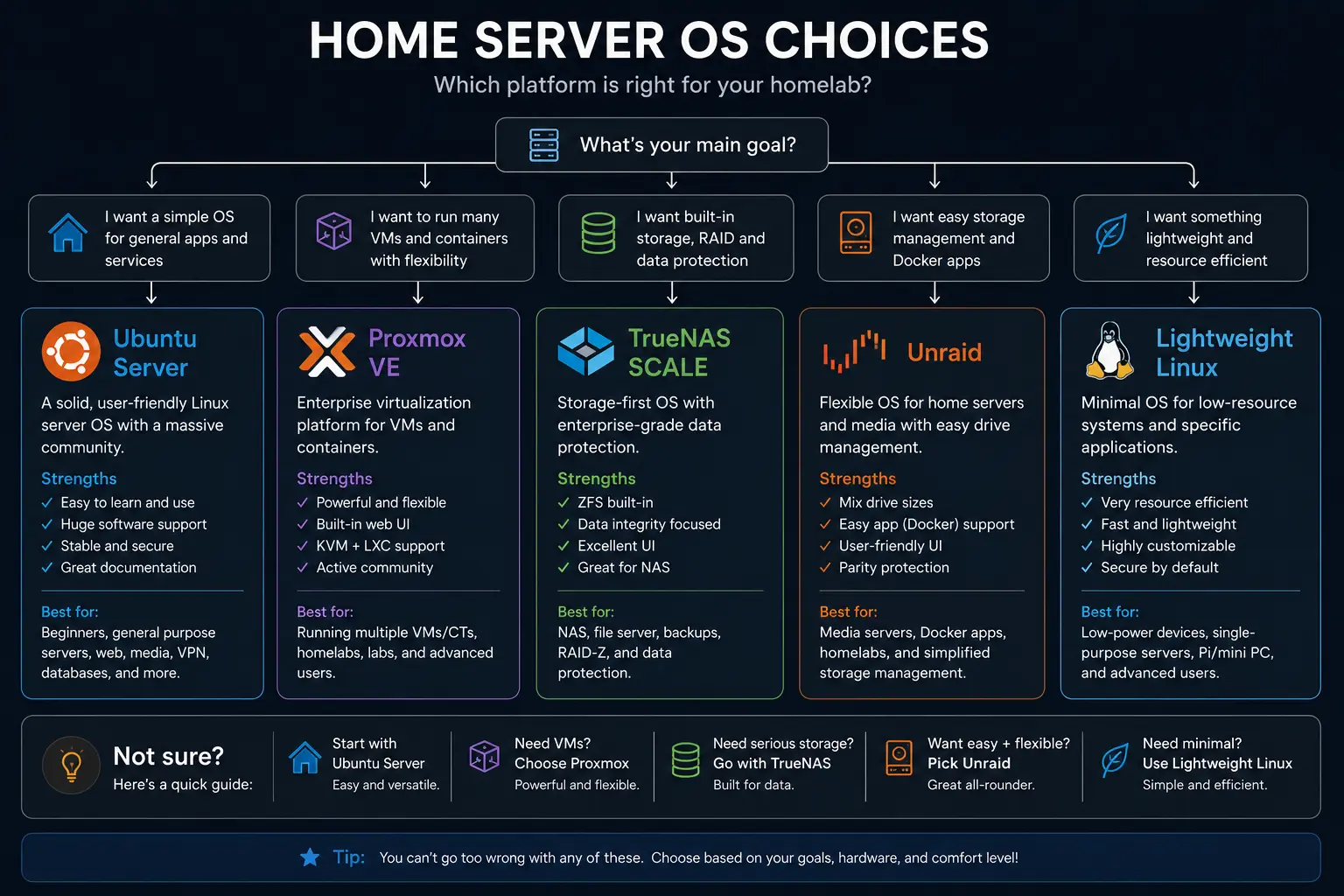
Which OS for a Home Server? Proxmox vs Bare Metal vs NAS Distros
A practical comparison of Proxmox, plain Linux, and NAS-focused distros for small, low-power homelabs.
Read guideHow to Install Docker on Ubuntu Server
Install Docker Engine and the Compose plugin from Docker's official Ubuntu repository, verify the service and avoid common firewall and permissions mistakes.
Read guide
How to Back Up and Restore Jellyfin Before an Upgrade
Back up Jellyfin safely before version 12 or another upgrade. Use the built-in backup, protect Docker or Ubuntu data, test recovery and restore the matching version.
Read guideJellyfin Library Not Showing Files? 8 Checks That Fix It
Fix a Jellyfin library that is empty or missing media. Check mounts, Linux permissions, Docker paths, library folders, naming, scans and logs in the correct order.
Read guideHow to Reduce Jellyfin Server Power Use on Ubuntu
Reduce Jellyfin server electricity use on Ubuntu by measuring idle and playback power, avoiding unnecessary transcoding, checking background load, storage, CPU behaviour and reboot health.
Read guide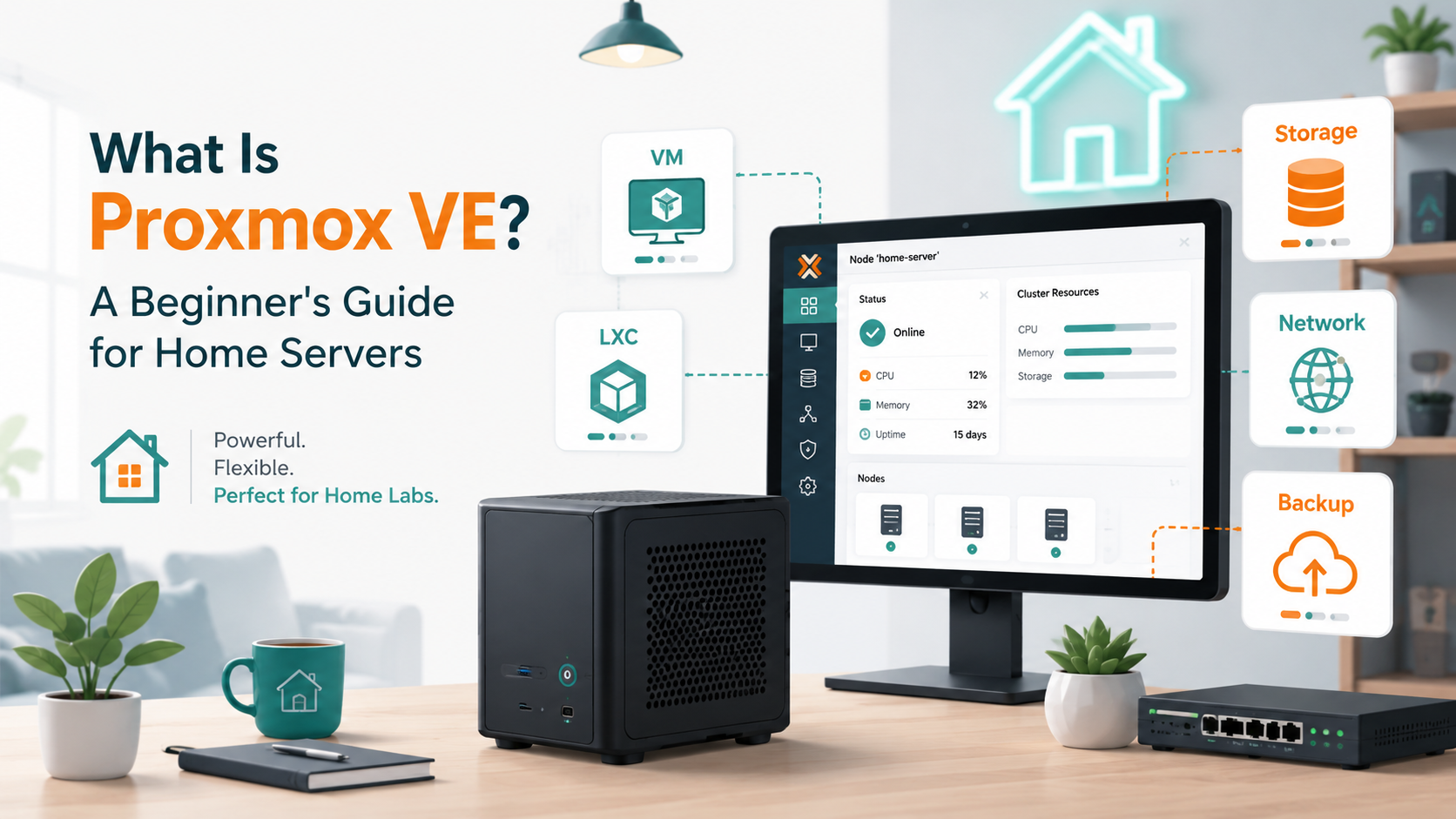
What Is Proxmox VE? A Beginner's Guide for Home Servers
Learn what Proxmox VE does, how virtual machines and LXC containers differ, what hardware it needs, and whether it is the right choice for your home server.
Read guide
Docker Container Keeps Restarting? Check Logs, Healthchecks and Exit Codes
Fix a Docker container stuck in a restart loop by checking logs, exit codes, OOM kills, healthchecks, environment variables, volumes and Compose dependencies.
Read guide
Jellyfin Direct Play: Complete Guide to Formats, Clients and Transcoding
Learn how Jellyfin Direct Play works, why files Direct Stream or transcode, which formats and clients are compatible, and how to reduce unnecessary server load.
Read guide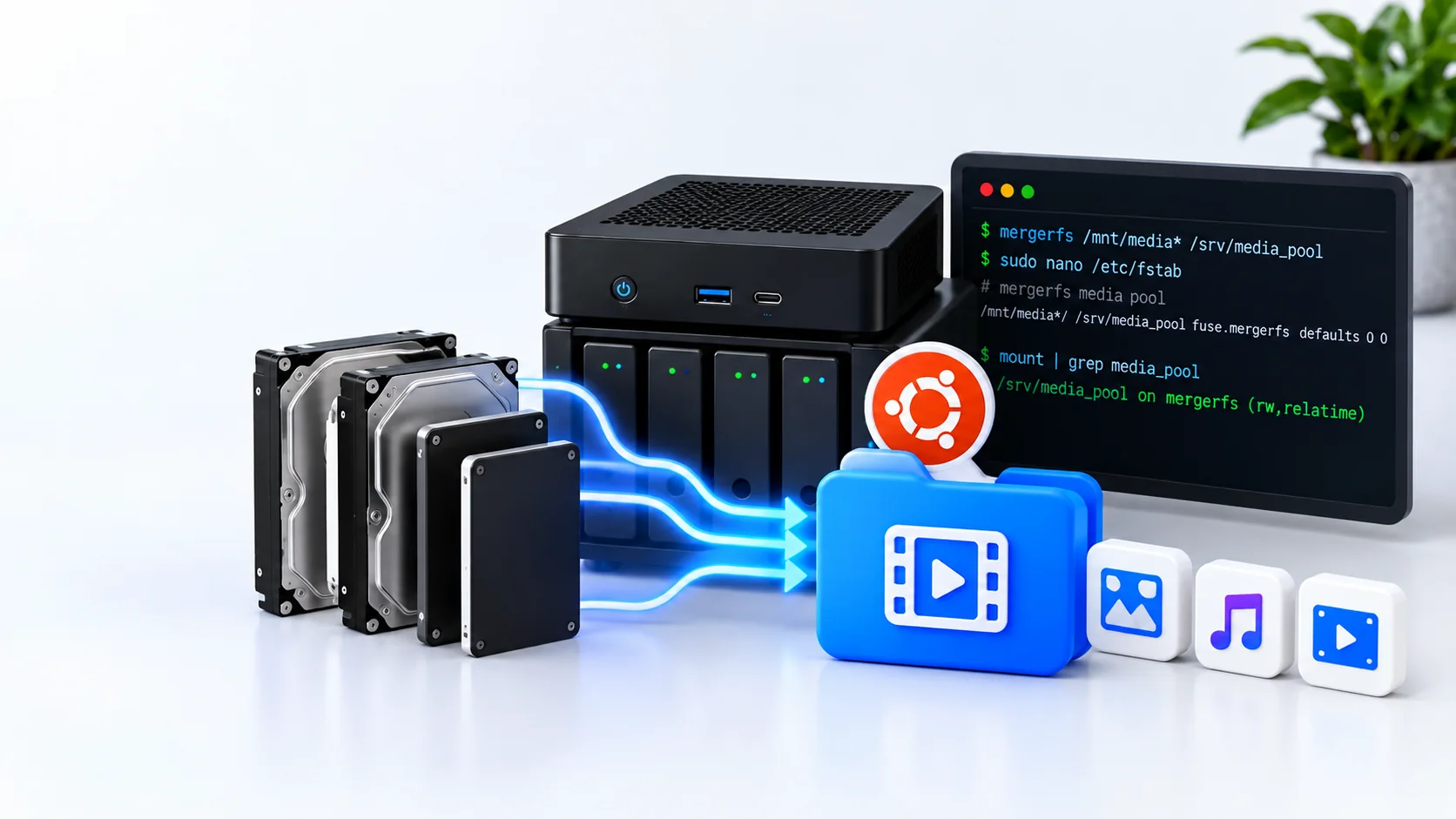
Build a Multi-Drive Media Pool with mergerfs on Ubuntu Server
Combine existing Linux disks into one mergerfs media path on Ubuntu Server, configure fstab safely, choose a create policy and verify Jellyfin and Docker access.
Read guideProxmox VM Has No Internet: Fix DHCP, vmbr0, Gateway and DNS
Fix a Proxmox VM with no internet by testing its virtual NIC, DHCP address, default gateway, DNS, vmbr0, VLAN and firewall in the correct order.
Read guide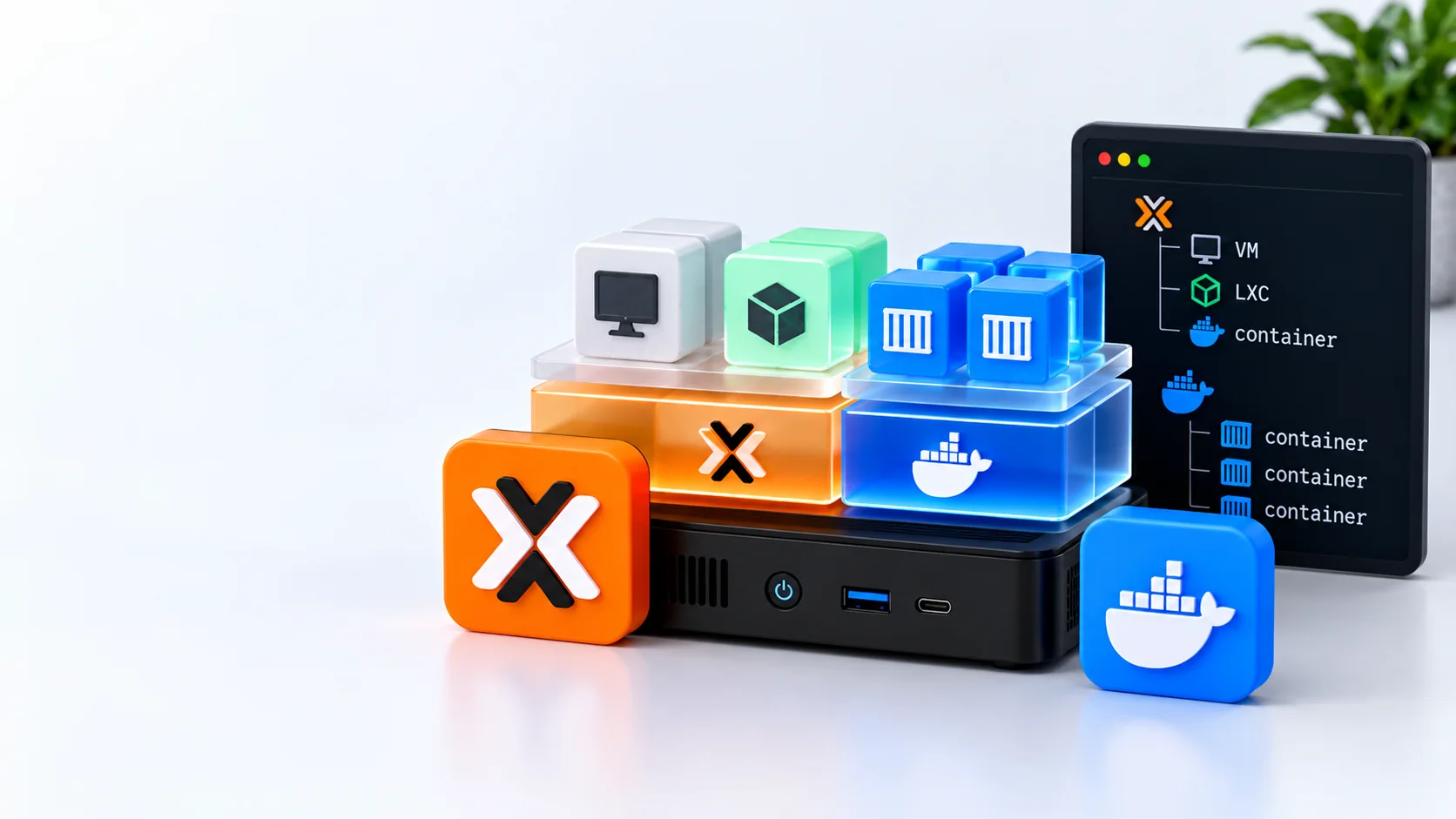
Proxmox vs Docker for a Home Lab: How VMs, LXCs and Containers Fit Together
Compare Proxmox and Docker for a home server, understand why they are different layers, and choose bare metal, a VM or LXC for Docker workloads.
Read guideProxmox ARM64 Explained: Can You Run Proxmox on an ARM Home Server?
Understand Proxmox VE 9.2 ARM64 support, validated hardware, Raspberry Pi limits, ARM VMs and LXCs, ZFS, Ceph and whether it suits a home lab.
Read guide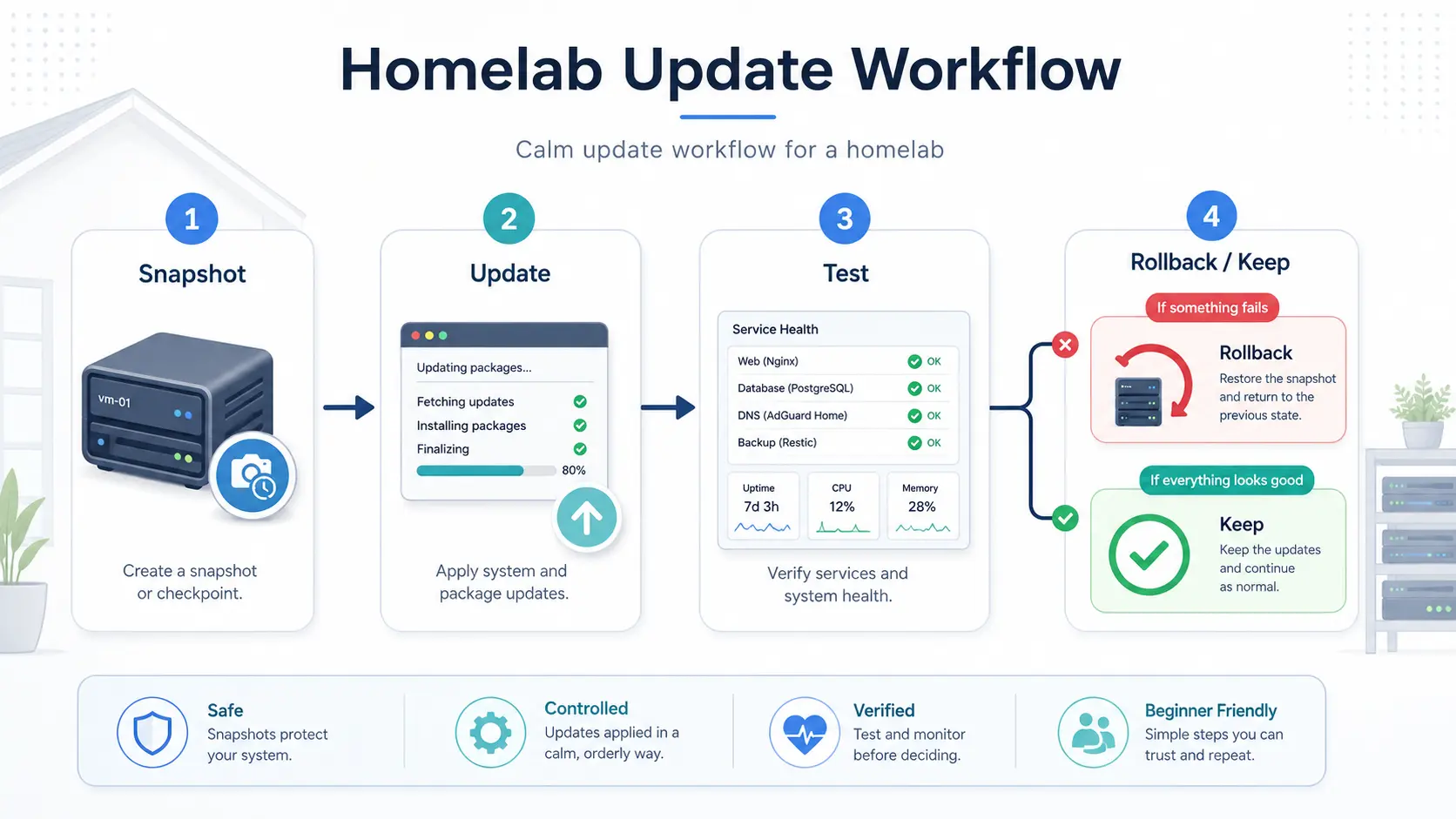
Home Lab Update Routine: Patch Ubuntu, Docker and Proxmox Safely
Use a repeatable home-lab maintenance routine for Ubuntu, Docker, Proxmox and Jellyfin, with backups, staged changes, verification and rollback.
Read guide
Docker Image Pull Failed After an Update? Fix Docker Engine 29.7 Problems
Diagnose Docker Engine 29.7 image-pull and docker cp regressions, update safely to 29.7.2 or later, and verify Compose, volumes and media containers.
Read guideProxmox Storage Explained: local, local-lvm and Directory Storage
Understand what local, local-lvm and Directory storage mean in Proxmox, what each can hold, and how to check where your files and virtual disks really live.
Read guideHow to Add a Second Hard Drive to Proxmox VE 9.2 Safely
Add an empty second disk to Proxmox VE 9.2, verify its identity, create Directory storage, test writes and prove the mount survives a reboot.
Read guide
What's New in Proxmox VE 9.2 for Home Labs
Understand the Proxmox VE 9.2 baseline: Debian 13.5, kernel 7.0, QEMU 11, LXC 7, ZFS 2.4, HA changes, SDN fabrics and home-lab upgrade priorities.
Read guideHow to Safely Update Jellyfin 10.11.x
Update Jellyfin 10.11 safely on Ubuntu or Docker: check the current version, take an offline backup, review plugins, update one layer and verify playback.
Read guide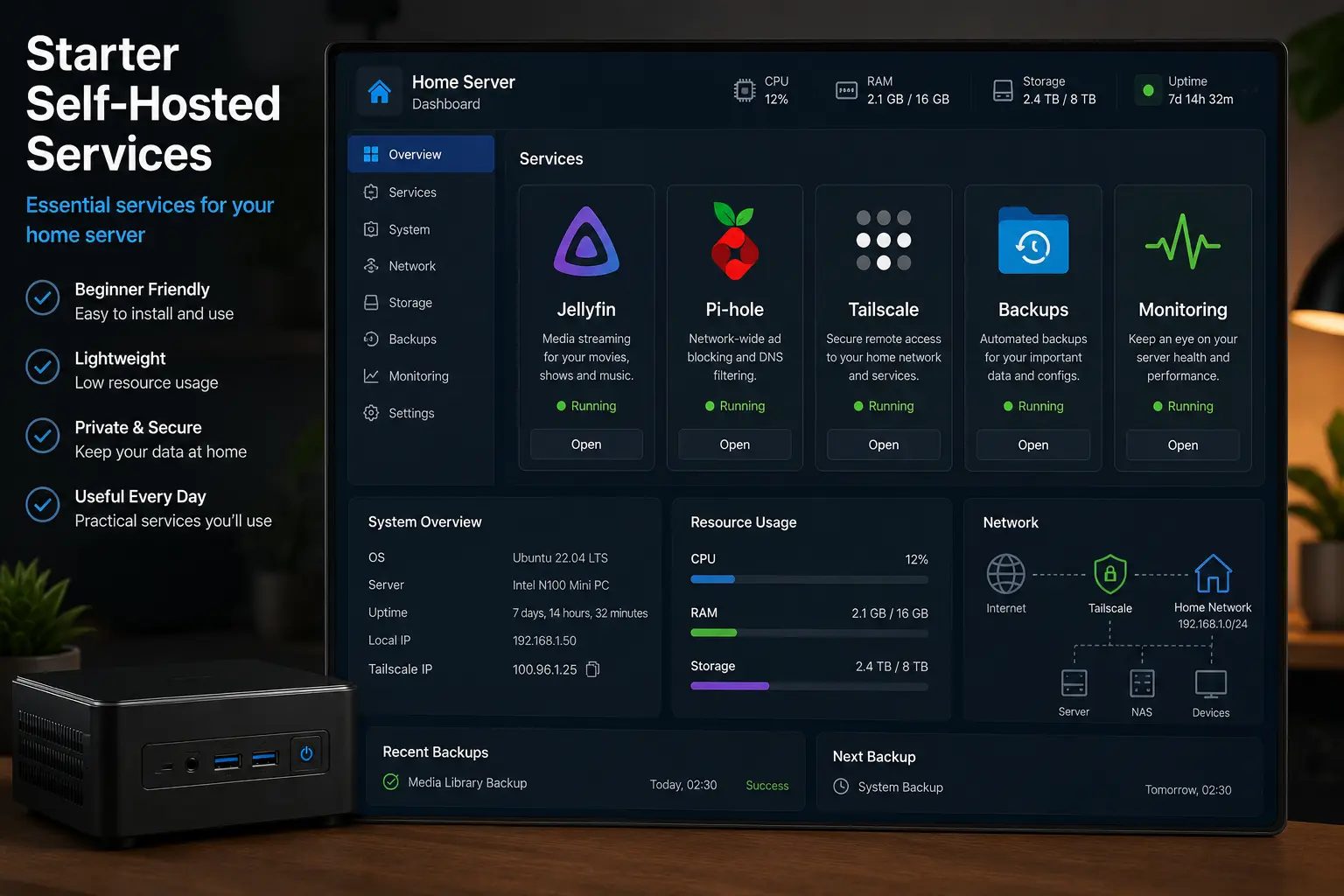
What Should You Self-Host First? A Safe Starter Stack
Choose a small first self-hosted stack with backups, private remote access, media and file sync—without exposing fragile services or deploying everything at once.
Read guideJellyfin Not Scanning New Files? 8 Fixes for Missing Media
Fix Jellyfin when newly added movies or episodes do not appear. Check new-file permissions, mounts, Docker paths, scans, monitoring, naming and logs.
Read guideHow to Back Up and Restore Docker Compose Services
Build a recoverable Docker Compose backup covering definitions, secrets, bind mounts, named volumes and databases, then prove it with an isolated restore.
Read guideHow to Check Drive Health with SMART on Ubuntu Server
Install smartmontools, identify the physical disk, read SATA or NVMe health data, run self-tests and recognise evidence that demands an immediate backup.
Read guideDocker Compose Explained for Beginners
Understand Compose services, images, ports, volumes, networks and environment files, then validate and operate a small self-hosted stack safely.
Read guideDocker Volumes vs Bind Mounts: Which Should You Use?
Compare Docker-managed volumes and host bind mounts for home-server application data, media, portability, permissions, backups and recovery.
Read guideHow to Find What Is Using Disk Space on Ubuntu Server
Trace a full Ubuntu filesystem from blocks and inodes to large directories, logs, deleted-open files, Docker data and hidden mount-point contents.
Read guideHow to Fix Permission Denied on Ubuntu Server
Diagnose Linux permission errors using user identity, ownership, modes, parent-directory access, groups and ACLs without falling back to chmod 777.
Read guideHow to Give Docker Access to a USB Drive on Ubuntu Server
Mount a USB storage filesystem reliably on the Ubuntu host, pass its path into Docker and solve UID, GID, read-only and reboot-order problems.
Read guideUbuntu Drive Disappears After Reboot: How to Fix It
Diagnose a disk that is present before reboot but missing afterwards by checking hardware detection, UUID-based fstab, filesystem errors, mount ordering and logs.
Read guideDocker Containers Not Starting After Reboot: How to Fix Them
Diagnose Docker services that stay stopped or fail after an Ubuntu reboot by checking the daemon, restart policies, mounts, dependencies, ports and logs.
Read guideHow to Mount a Drive Automatically with fstab on Ubuntu Server
Identify an existing filesystem by UUID, add a safe fstab entry, test it without rebooting and recover from common boot and mount failures.
Read guideHow to Move Docker Data to Another Drive Safely
Move Docker's data root to another mounted drive with identity checks, a complete stop, a reversible copy, daemon configuration and reboot verification.
Read guideHow to Set a Static IP on Ubuntu Server with Netplan
Configure a stable Ubuntu Server address with Netplan, verify interface, subnet, gateway and DNS values, and avoid locking yourself out of SSH.
Read guideHow to Share a Folder with Samba on Ubuntu Server
Create an authenticated Samba share for a trusted home network, align Linux permissions, validate configuration and limit firewall exposure.
Read guideHow to Update Docker Containers Safely
Update Docker Compose services with release checks, version pinning, verified backups, controlled pulls, health checks and a practical rollback plan.
Read guideHow to Build a Proxmox Test Lab on One Mini PC
Design a small Proxmox lab on one mini PC with separate guests, safe resource limits, internal networking, backups and practical test projects.
Read guideHow to Back Up a Proxmox VM or LXC Container
Create a Proxmox VM or LXC backup, choose a backup mode and destination, verify the archive, and prepare for a real restore test.
Read guideHow to Access Proxmox Remotely with Tailscale
Reach the Proxmox web interface securely through Tailscale without forwarding port 8006, with direct-host and subnet-router options plus recovery checks.
Read guideHow to Build a Docker Server Inside Proxmox
Create an Ubuntu Server VM in Proxmox, install Docker Engine and Compose safely, organise application data and verify backup and reboot recovery.
Read guideHow to Create an Ubuntu LXC Container in Proxmox
Download an Ubuntu container template, create an unprivileged LXC in Proxmox, configure storage and networking, then verify updates and reboot recovery.
Read guideHow to Create an Ubuntu Virtual Machine in Proxmox
Create an Ubuntu Server VM in Proxmox, choose sensible CPU, memory, disk and network settings, install the guest agent and verify reboot recovery.
Read guideHow to Give a Proxmox VM a Static IP
Give a Proxmox VM a reliable address using a DHCP reservation or Ubuntu Netplan, while avoiding duplicate IPs, wrong gateways and remote lockouts.
Read guideHow Proxmox VM Networking Works
Learn how a Proxmox virtual NIC, vmbr0, DHCP, gateways and DNS work together, with a simple path for checking each networking layer.
Read guideJellyfin in a VM vs LXC vs Bare Metal
Compare Jellyfin on bare-metal Linux, a Proxmox virtual machine and a Proxmox LXC container across performance, isolation, storage and GPU access.
Read guideHow to Mount an Existing Linux Drive in Proxmox
Mount an existing ext4 or XFS drive in Proxmox without formatting it, use a stable UUID, add Directory storage, and verify the mount after reboot.
Read guideHow to Pass an Intel GPU Through to Jellyfin in Proxmox
Plan Intel iGPU PCI passthrough from Proxmox to a Jellyfin VM, verify IOMMU and QSV or VA-API, and retain a safe recovery path.
Read guideHow to Move a Proxmox VM to Another Storage Drive
Move a Proxmox VM disk to different storage safely, check compatibility and capacity, verify the guest, and remove the source only after validation.
Read guideProxmox First Setup: Updates, Repositories and Basic Security
Configure a new Proxmox VE host safely: check repositories, install updates, review access, enable two-factor authentication and verify the host after reboot.
Read guideProxmox Disk Full: Find What Is Using the Space
Diagnose a full Proxmox filesystem or LVM-thin pool, find large backups, ISOs, logs, snapshots and guest disks, then reclaim space without deleting the wrong data.
Read guideProxmox Directory Storage vs LVM-Thin
Compare Proxmox Directory storage and LVM-thin for VM disks, containers, ISO files, backups, snapshots, monitoring and recovery.
Read guideProxmox Firewall Basics for a Home Server
Understand Proxmox firewall levels, plan safe allow rules, protect the management interface and avoid locking yourself out of a home server.
Read guideProxmox Linux Bridge Explained for Beginners
Understand what vmbr0 does, how a physical network adapter connects Proxmox guests to your home network, and how to inspect bridge settings safely.
Read guideProxmox VM vs LXC: Which Should You Use?
Compare Proxmox virtual machines and LXC containers by isolation, compatibility, resources, hardware access, Docker support, backups and maintenance.
Read guideHow to Restore a Proxmox Backup
Restore a Proxmox VM or LXC backup safely, avoid ID and network conflicts, verify the recovered guest, and document a repeatable recovery test.
Read guideRun Docker in a Proxmox VM or LXC?
Compare Docker in a Proxmox virtual machine and LXC container, including security, nesting, backups, hardware access and the best default for beginners.
Read guideHow to Run Home Assistant in Proxmox
Install Home Assistant OS as a Proxmox virtual machine using the official KVM image, with network, USB, backup and recovery planning.
Read guideHow to Run Jellyfin in Proxmox
Plan and deploy Jellyfin in a Proxmox Ubuntu VM, including media storage, Docker, networking, backups and hardware-transcoding decisions.
Read guideHow to Run Pi-hole in a Proxmox LXC Container
Plan and install Pi-hole in an unprivileged Proxmox LXC container with a stable address, safe DNS migration, verification and rollback steps.
Read guideWhere Should Proxmox Backups Be Stored?
Choose a safer Proxmox backup destination by comparing internal disks, USB storage, NAS shares, another server, Proxmox Backup Server and offsite copies.
Read guideHow to Install Proxmox VE: Complete Beginner Guide
Prepare a Proxmox host safely, verify the ISO, choose the correct disk, configure networking, complete the installer, and record the checks needed after first boot.
Read guide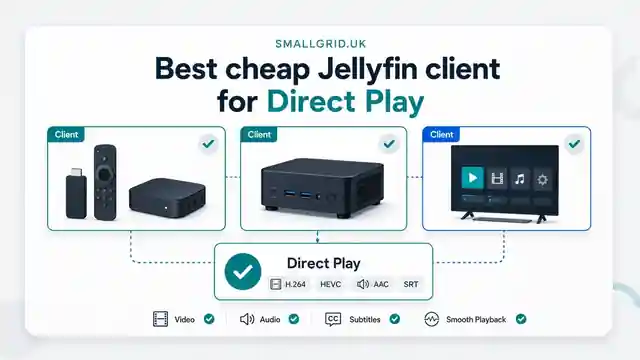
Best Cheap Jellyfin Client for Direct Play
Choose a low-cost Jellyfin client for reliable Direct Play. Compare smart-TV apps, streaming devices, mini PCs, browsers, codec support, subtitles, networking, and 4K requirements.
Read guide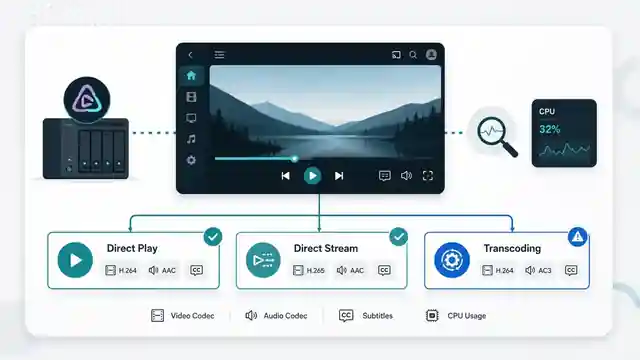
How to Check Why Jellyfin Is Transcoding
Find the exact reason Jellyfin is transcoding. Check the dashboard, playback information, codecs, subtitles, audio, bitrate limits, logs, and hardware acceleration step by step.
Read guide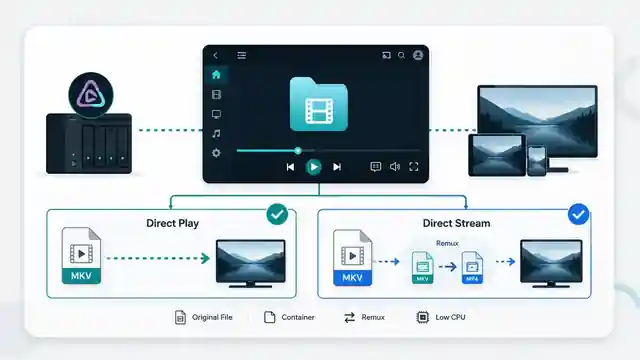
Jellyfin Direct Stream vs Direct Play: What Is the Difference?
Understand Jellyfin Direct Stream vs Direct Play, when remuxing happens, how server load changes, how to verify the playback mode, and whether Direct Stream needs fixing.
Read guide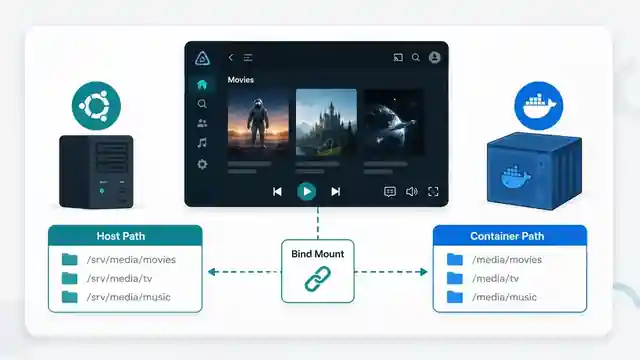
Jellyfin Docker Volume Paths Explained: Host Paths vs Container Paths
Understand Jellyfin Docker bind mounts, host paths, container paths, read-only media mounts, Compose mappings, docker inspect output, and why media folders appear empty.
Read guideGive Jellyfin Access to Media Folders on Ubuntu
Fix Jellyfin permission denied errors on Ubuntu. Test the service user, find blocked parent folders, apply safe ACLs, verify inheritance, and check mounted-drive options.
Read guide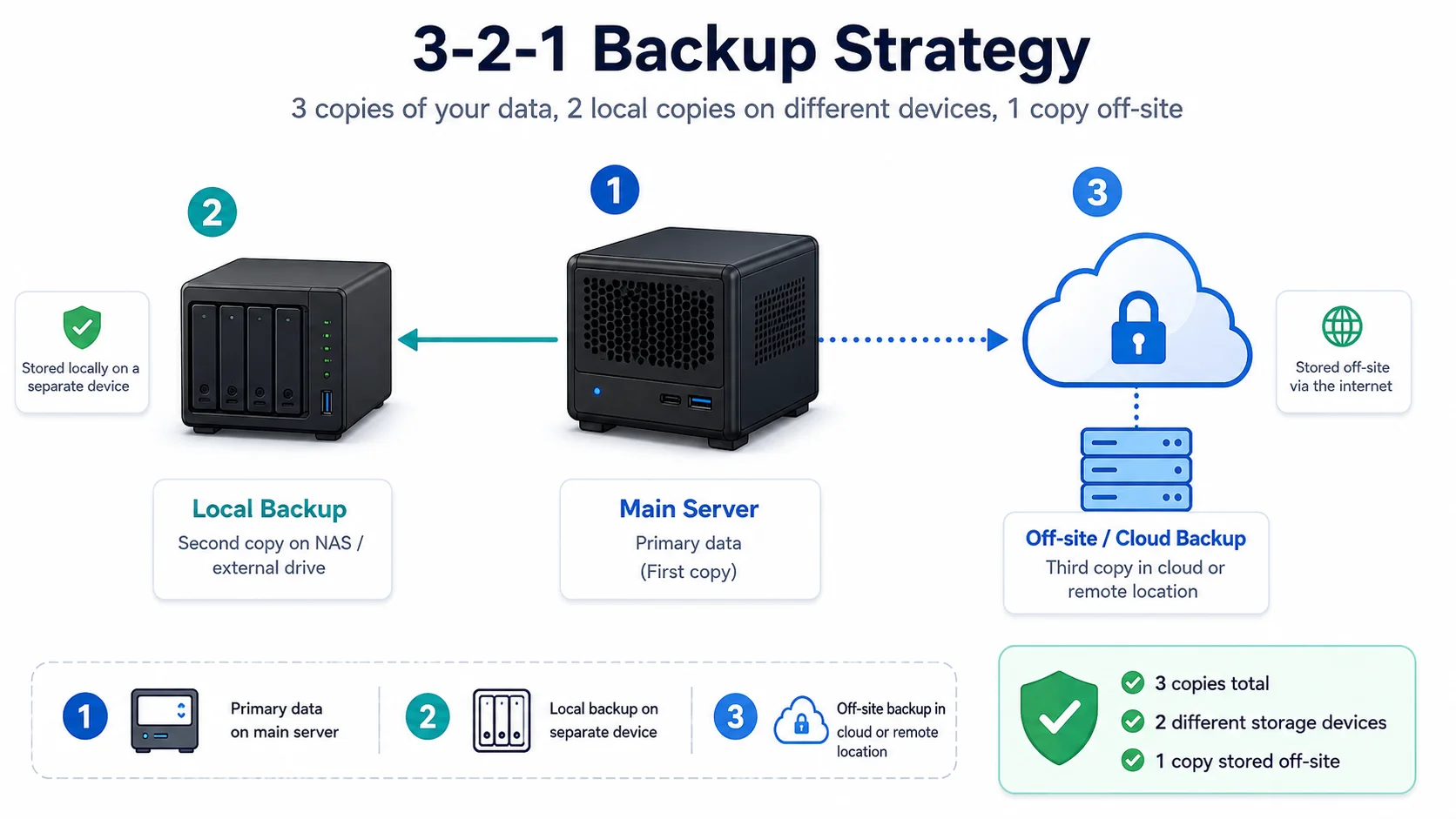
Backups That Don’t Lie: 3-2-1 for Home Servers
A simple home server backup strategy built around 3-2-1, automatic copies, offsite protection, and tested restores.
Read guide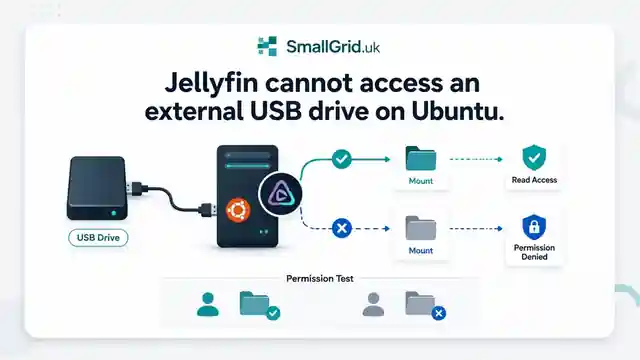
Jellyfin Cannot Access an External USB Drive on Ubuntu
Fix Jellyfin access to USB media drives on Ubuntu. Check mount paths, filesystem type, permissions, fstab options, and reboot behaviour step by step.
Read guide
Jellyfin Media Disappears After Reboot: Fix Missing Mounts
Fix Jellyfin libraries that disappear after reboot. Check mount points, UUID entries, fstab, service timing, permissions, and empty media folders.
Read guide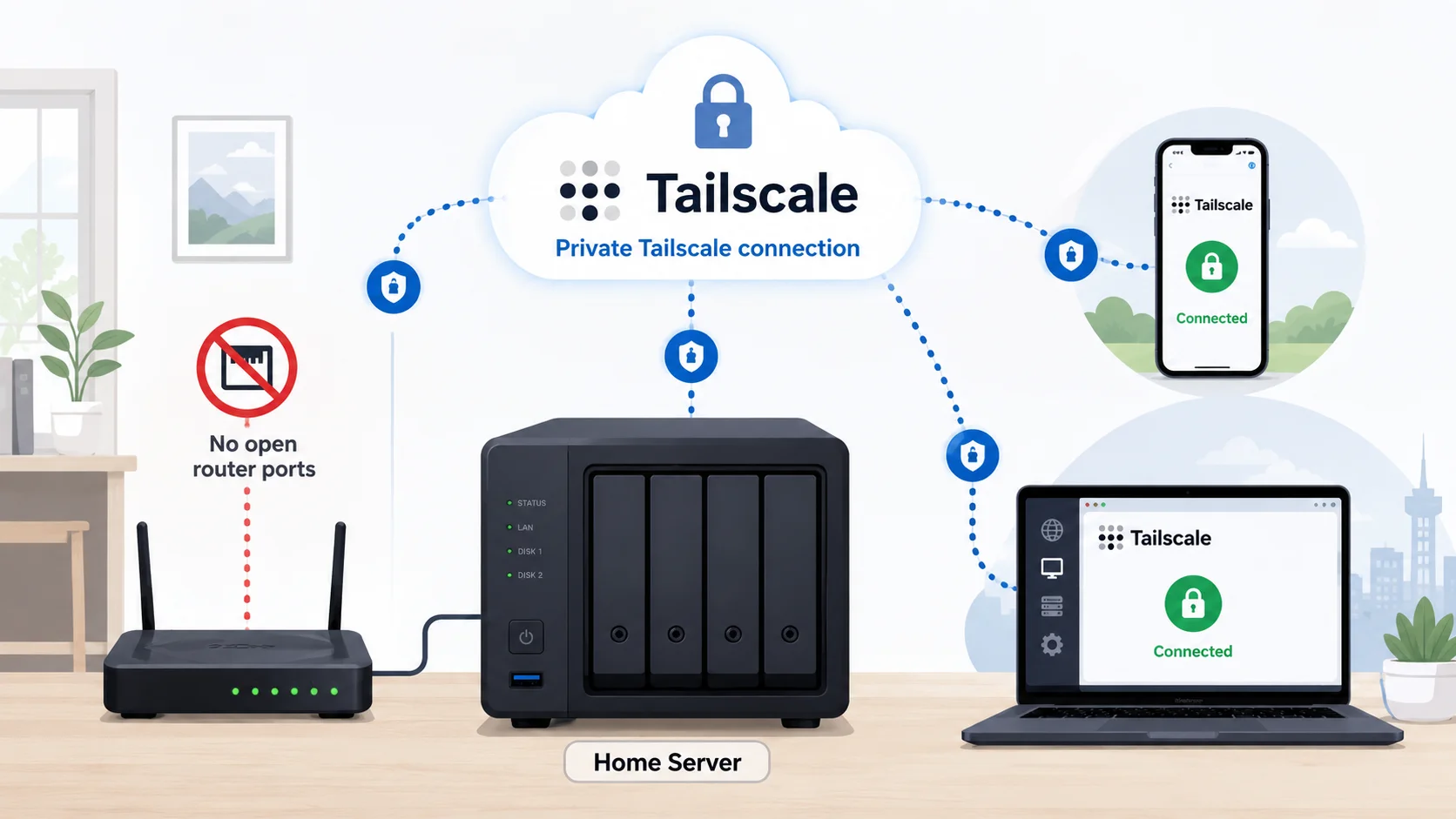
Jellyfin Remote Access with Tailscale on Ubuntu
Access Jellyfin remotely with Tailscale on Ubuntu without port forwarding, DDNS, or a public reverse proxy. Includes setup, MagicDNS, testing, and fixes.
Read guideJellyfin on a Mini PC: Build a Quiet Low-Power Media Server
Build a quiet Jellyfin media server on a mini PC with sensible hardware, storage, direct play, backups, and low-power home lab defaults.
Read guideJellyfin Remote Access Safely: Tailscale, Reverse Proxy, or VPN?
Compare safe Jellyfin remote access options, including Tailscale, VPNs, reverse proxies, HTTPS, and why port forwarding should not be the default.
Read guide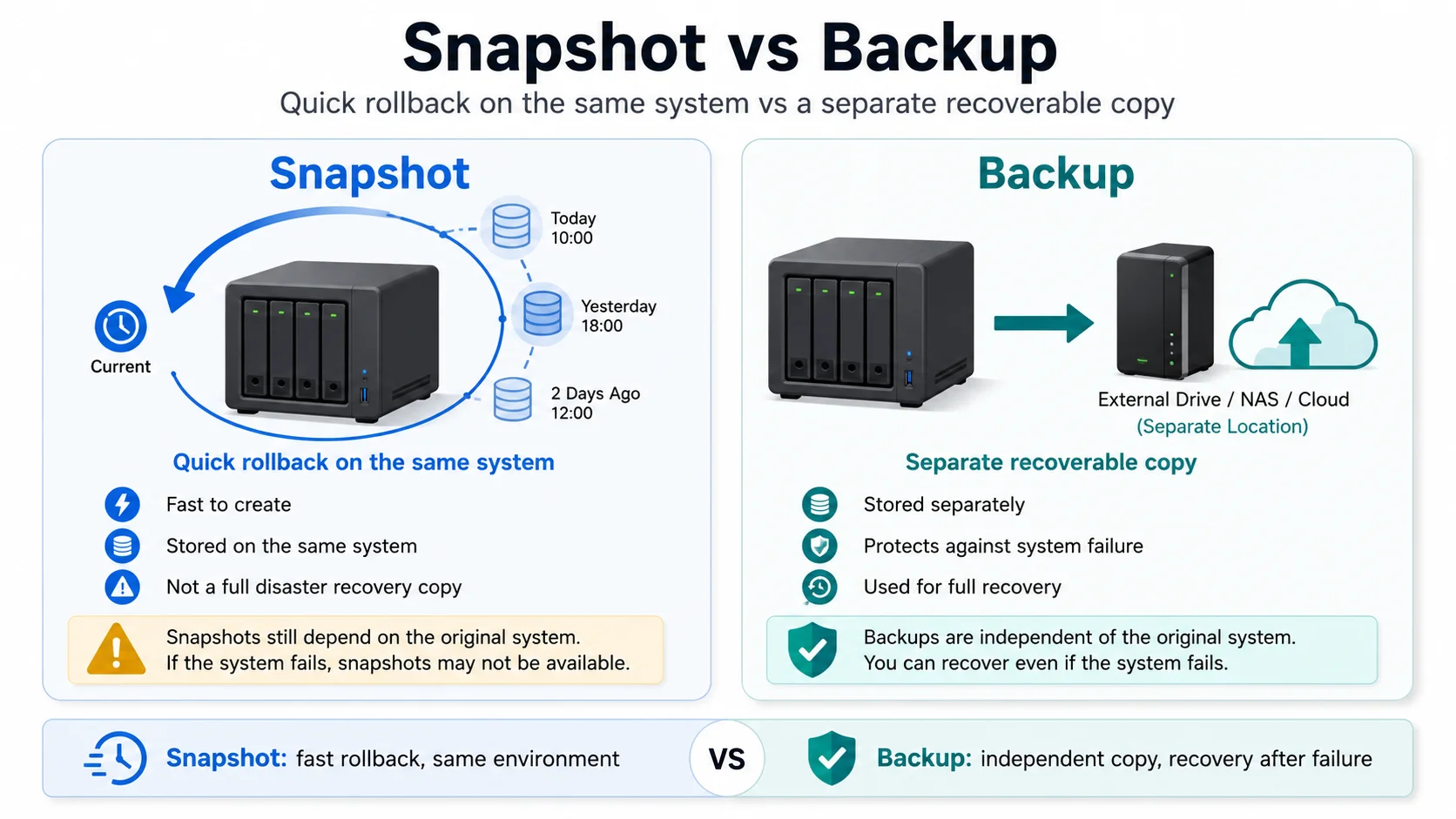
Proxmox Snapshots vs Backups: What Beginners Get Wrong
Understand the difference between Proxmox snapshots and backups, when to use each one, and why snapshots are not a recovery plan on their own.
Read guide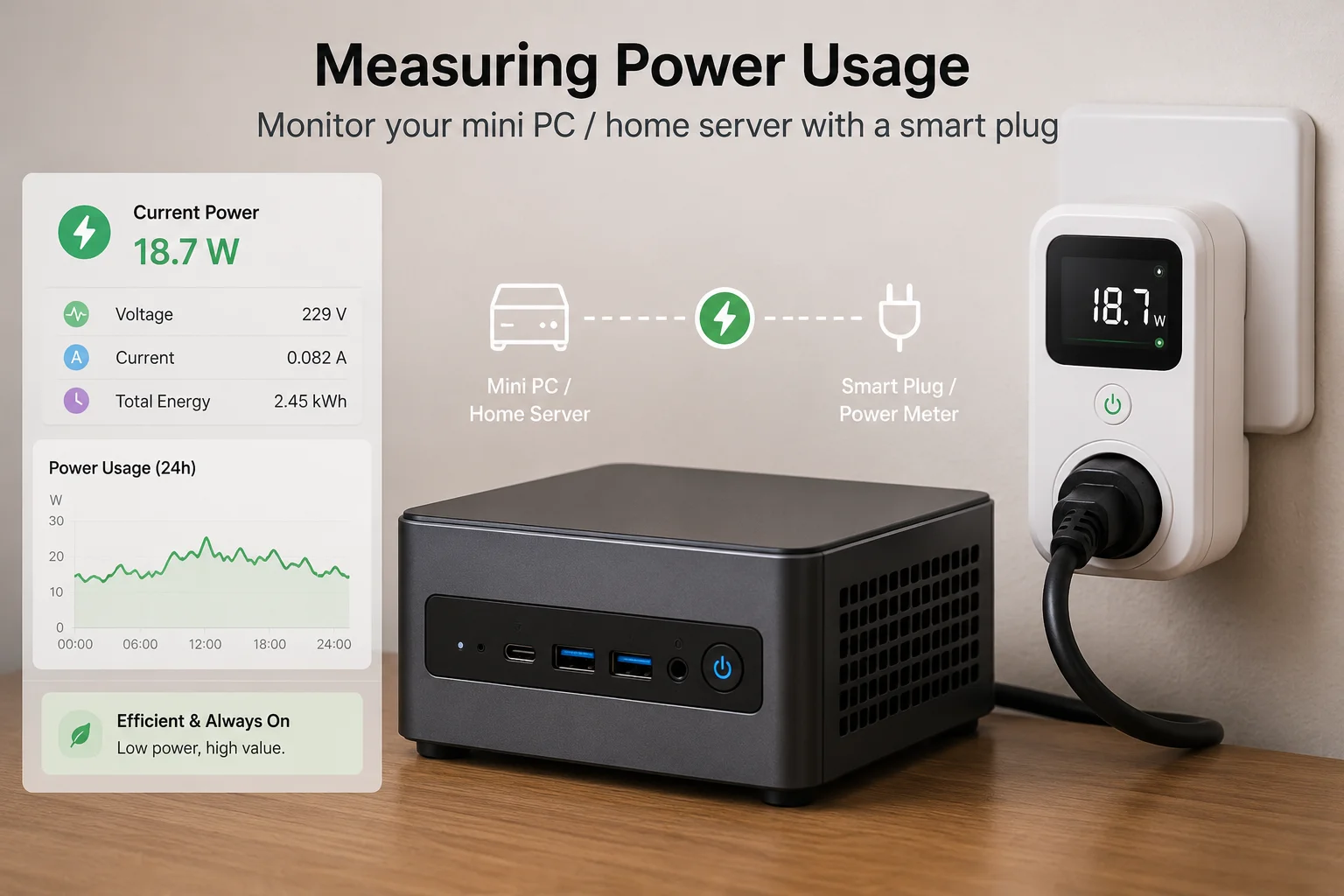
How to Measure Homelab Power Usage Properly
Measure your home server power usage, compare smart plugs and plug-in meters, and turn watts into realistic monthly and yearly costs.
Read guideBudget Mini PC Home Lab: Picking a Tiny Box That Can Actually Homelab
How to choose a used or budget mini PC for a small efficient home lab, Jellyfin, Docker, Proxmox, backups, and low-power home server use.
Read guide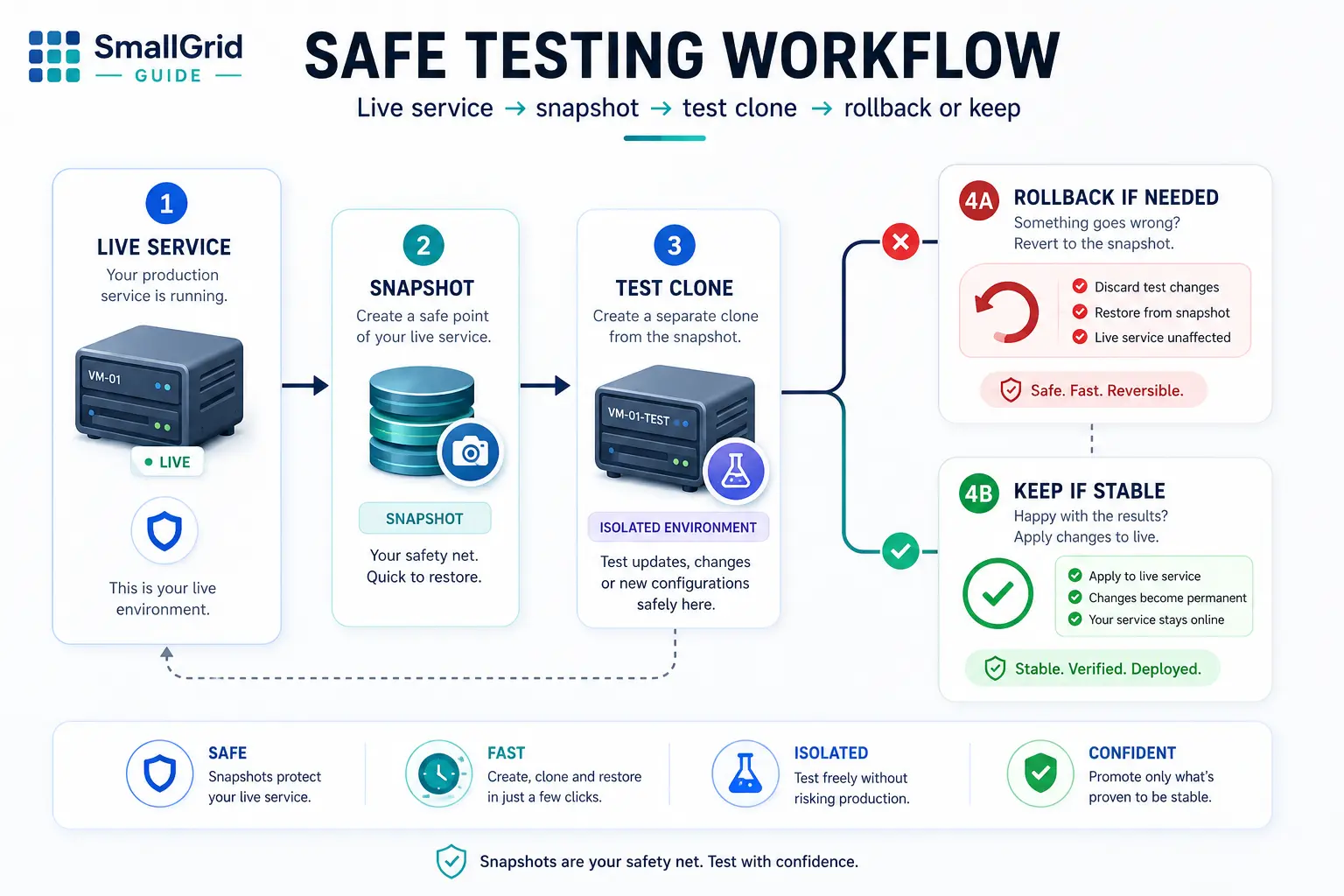
Safe Experiments: Snapshots and Test Environments for Your Homelab
Use snapshots, test VMs, and simple clones so you can tinker without breaking your working homelab.
Read guide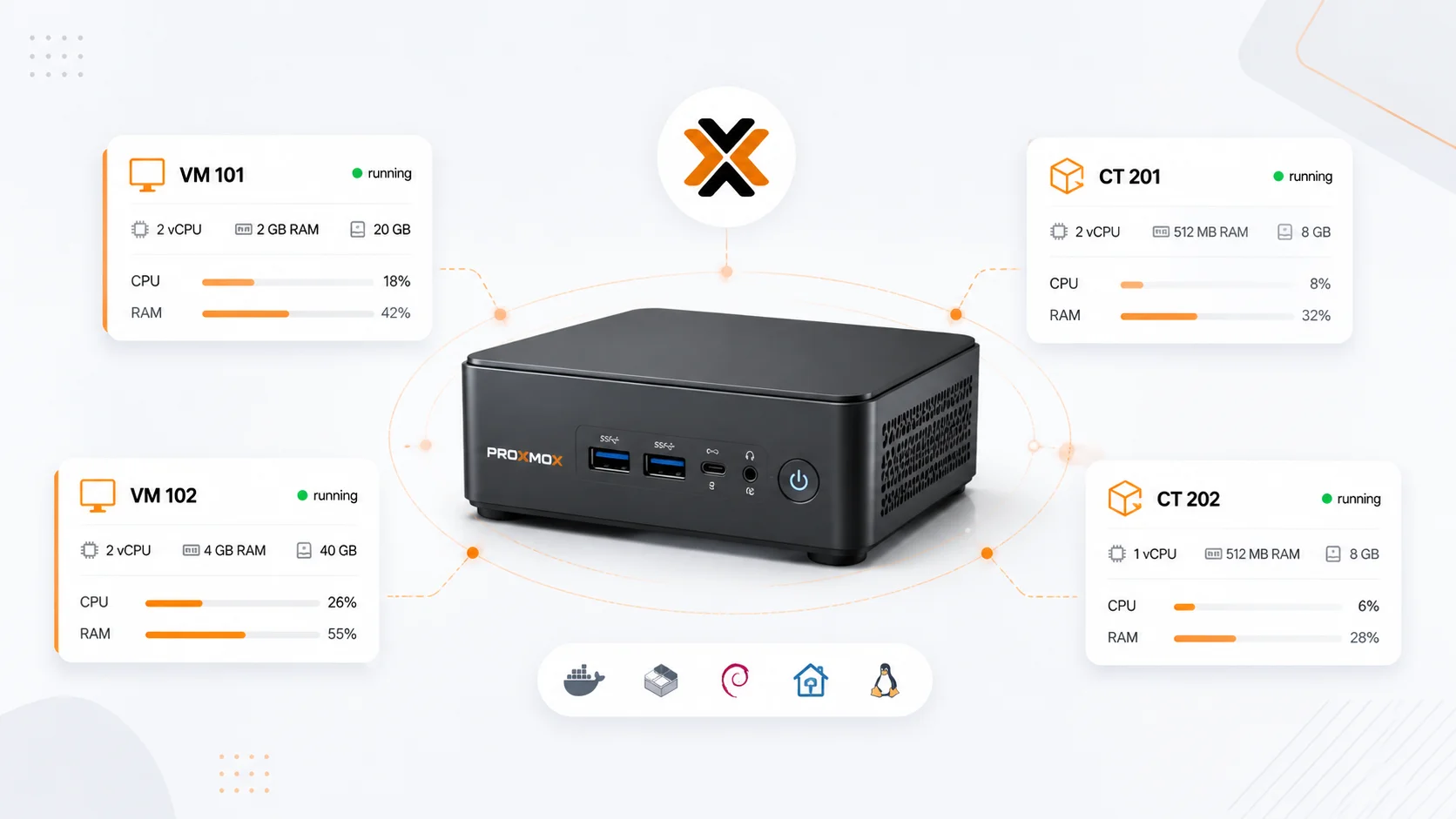
Proxmox for Normal Humans: One-Node Starter Setup
A clean one-node Proxmox setup for small homelabs: simple layout, backups, test VMs, and low-power defaults.
Read guide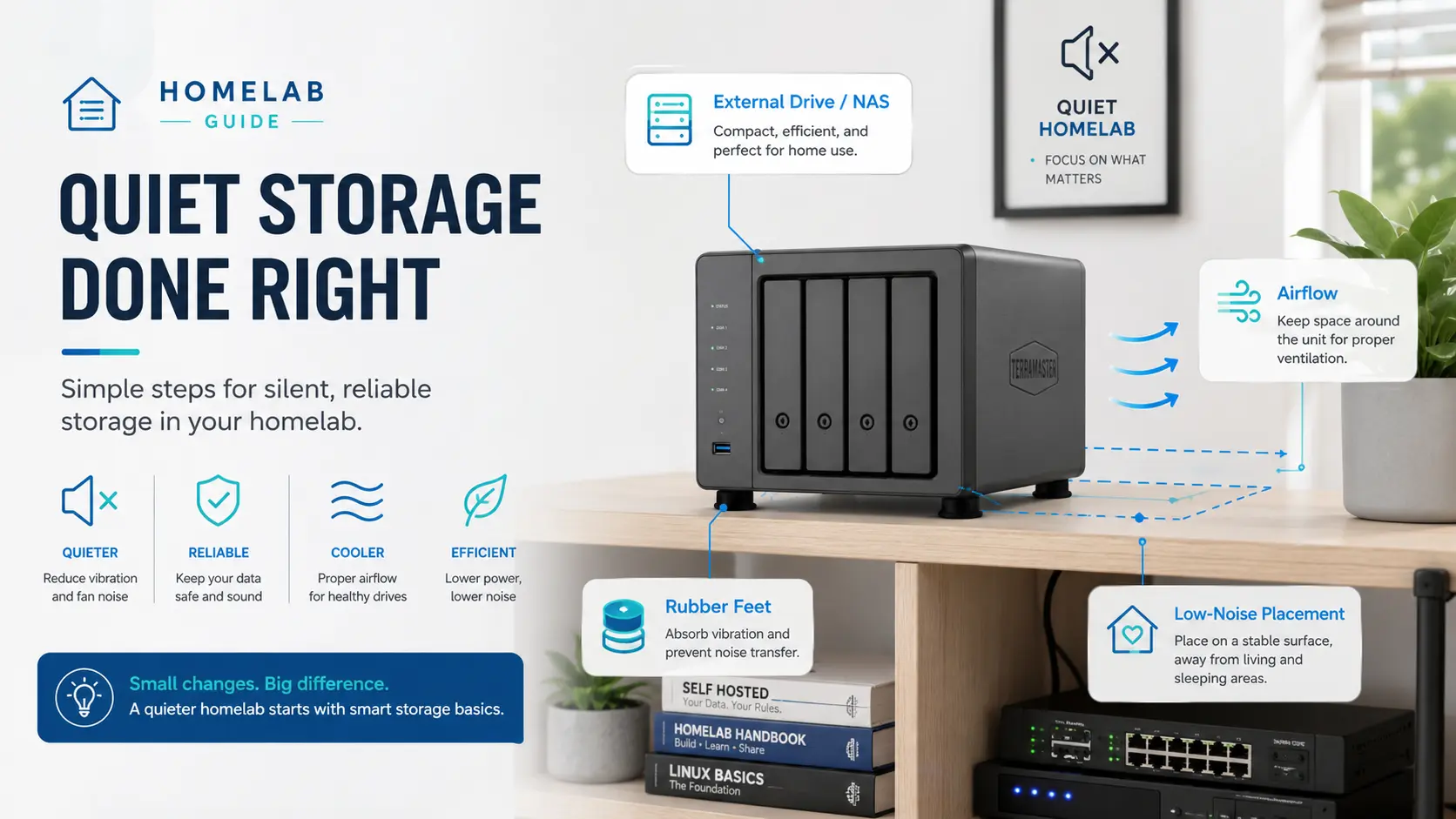
Quiet Storage: Add Disks Without Turning Your Home Into a Datacentre
Add storage to a home server quietly with better drive placement, airflow, vibration control, sensible enclosures, and realistic power choices.
Read guideNo guides match those filters.
Try a broader search or clear the filters to see the full library.