

Best equipment for a small efficient home lab
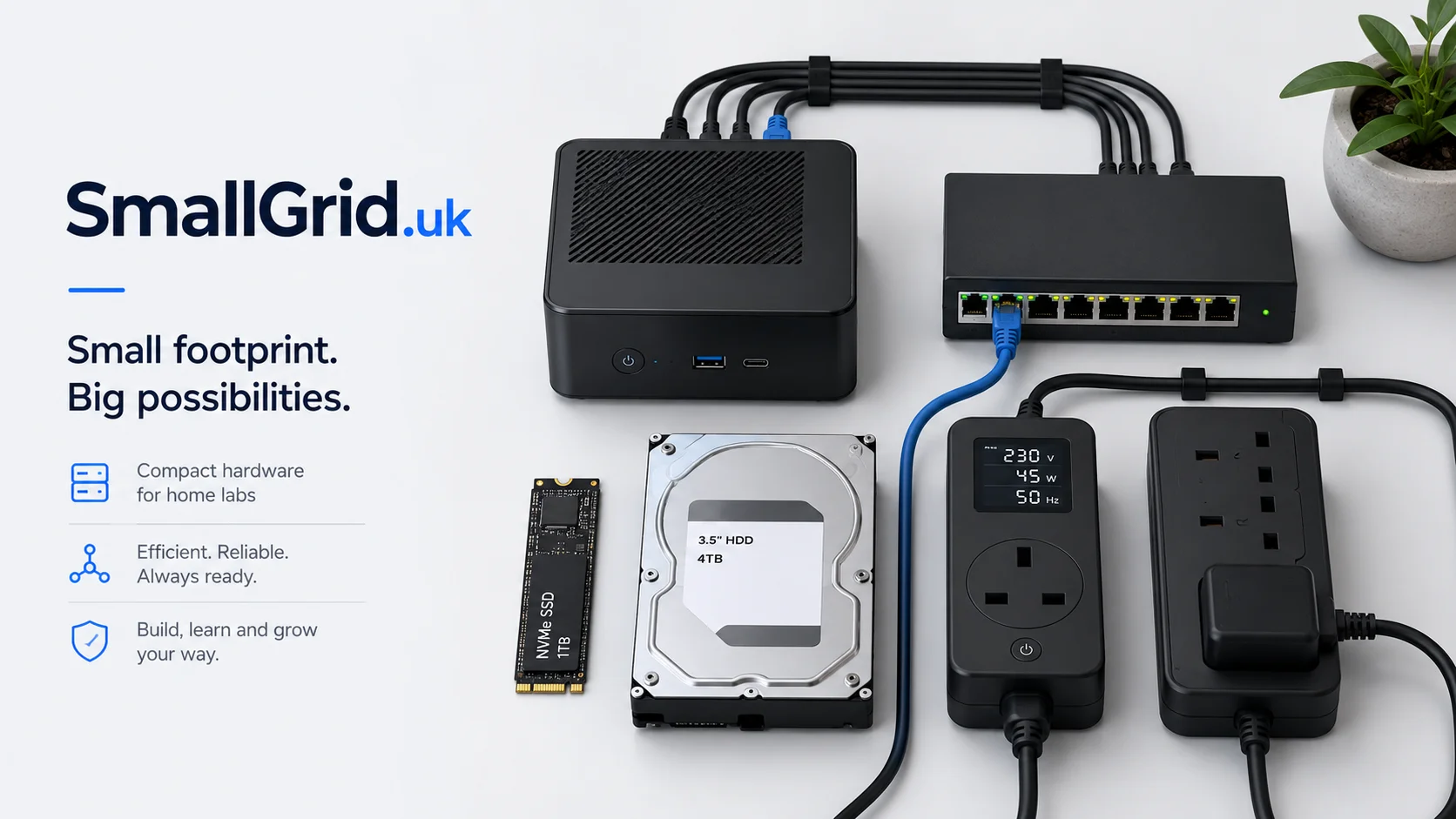
This guide is designed for people building a practical home lab, media server, or small self-hosted setup without wasting money on noisy, power-hungry equipment.
The goal is not to chase the highest benchmark score. The goal is to buy equipment that is quiet, affordable, reliable, easy to back up, and powerful enough for the services you actually want to run.
For most small efficient home labs, a used mini PC beats an old rack server: lower idle power, less noise, easier placement, and enough performance for Jellyfin, Docker, backups, and light virtualisation.
Prices and availability change constantly, especially on used business hardware. Treat the model examples as search terms and buying criteria, not as a fixed shopping list.
Quick recommendation
For most beginners, the best starting point is a used business mini PC with an Intel 8th generation i5 or newer, 16–32 GB RAM, and an NVMe SSD. It is usually quiet, cheap to run, easy to replace, and powerful enough for Jellyfin, Docker, Pi-hole, Home Assistant, Tailscale, backups, and a small Proxmox setup.
Only move to larger servers, rack equipment, or custom builds once you know you actually need more drive bays, more RAM, faster networking, or heavier virtualisation.
Shop the essentials
Everything in the quick recommendation, in one place. These are broad Amazon UK searches, so you can compare current models, prices and reviews against the buying criteria on this page.
Mini PC
The core box. Intel 8th gen or newer is a safe baseline, with two RAM slots and NVMe.
Mini PCs on Amazon →RAM
16 GB is enough to start; 32 GB suits Proxmox and several containers. Check the type your mini PC accepts first.
SO-DIMM RAM on Amazon →NVMe SSD
Keep the OS and services on NVMe. 1 TB is the comfortable size for most setups.
1 TB NVMe SSDs on Amazon →Bulk storage
Larger HDDs for media, archives and backups, with a second copy elsewhere.
NAS hard drives on Amazon →Network switch
Gigabit is enough for most; 2.5 GbE helps if you move large media files often.
Network switches on Amazon →UPS
Lets the server shut down gracefully. Look for USB shutdown support.
UPS options on Amazon →Power meter
A basic plug-in meter shows what your server really costs to run.
Power meters on Amazon →Ethernet cables
Short, labelled, wired connections beat Wi-Fi for a server.
Ethernet cables on Amazon →Affiliate links: as an Amazon Associate I earn from qualifying purchases, at no extra cost to you. It helps cover the running costs of SmallGrid. Prices and availability change, so check before you buy.
Budget friendly home lab setup
Best for: First homelab, Jellyfin testing, Pi-hole, Home Assistant, basic Docker services.
- Core box: Used mini PC: Dell OptiPlex Micro, Lenovo ThinkCentre Tiny, HP EliteDesk Mini, or similar.
- Target spec: Intel 8th gen i5 or newer, or equivalent AMD; 16 GB RAM; 256–512 GB NVMe SSD.
- Storage: 1 TB SSD for apps plus an external USB HDD for media or backups.
- Network: Existing router, one small unmanaged gigabit switch if needed.
- Avoid: Old thin clients with very weak CPUs, unknown power supplies, noisy rack servers, and machines with no upgrade path.
Shop this tier on Amazon
Mid range home lab setup
Best for: A reliable always-on home server running Jellyfin, Docker containers, backups, monitoring, and light virtual machines.
- Core box: Newer used business mini PC or compact workstation: Intel i5/i7 10th–13th gen, Ryzen 5/7 mini PC, or similar.
- Target spec: 6–8 useful CPU cores, 32 GB RAM, 1 TB NVMe SSD, Intel Quick Sync or capable integrated graphics for Jellyfin.
- Storage: 1 TB NVMe for services, 2–8 TB HDD or NAS storage for media, separate backup drive.
- Network: Gigabit switch as baseline; consider 2.5 GbE if moving large media files regularly.
- Avoid: Overspending on CPU before sorting backups, storage layout, and network reliability.
Shop this tier on Amazon
Top spec home lab setup
Best for: Heavy self-hosting, multiple VMs, large media libraries, fast storage, lab testing, and future expansion.
- Core box: Compact workstation, small tower server, or efficient custom build with room for more RAM, storage, and NIC upgrades.
- Target spec: 8–16 cores, 64 GB+ RAM, multiple NVMe slots, 2.5/10 GbE option, and enough cooling without excessive noise.
- Storage: Mirrored SSDs for services, dedicated bulk storage, external/offsite backup, and a UPS sized for graceful shutdown.
- Network: Managed switch, VLAN-capable router/firewall, 2.5 GbE or 10 GbE where it actually helps.
- Avoid: Buying enterprise rack gear purely because it is cheap upfront. Noise, power draw, and heat become the real cost.
Shop this tier on Amazon
Budget vs mid range vs top spec
Use this table to decide where to spend and where to hold back when buying equipment for a small efficient home lab.
| Category | Budget friendly | Mid range | Top spec |
|---|---|---|---|
| Mini PC or server Browse on Amazon → | Used office mini PC with 8th gen Intel i5 or newer, 16 GB RAM, and NVMe storage. | Newer business mini PC or Ryzen mini PC with 32 GB RAM and stronger integrated graphics. | Compact workstation or efficient tower with 64 GB+ RAM, multiple drives, and upgradeable networking. |
| Memory Browse on Amazon → | 16 GB RAM. Enough for Linux, Docker, Jellyfin, Pi-hole, and light services. | 32 GB RAM. The sweet spot for Proxmox, several containers, and a few small VMs. | 64 GB or more. Useful for heavier virtualisation, databases, labs, and test environments. |
| Primary storage Browse on Amazon → | 256–512 GB NVMe SSD for OS and containers. | 1 TB NVMe SSD for OS, containers, VM disks, downloads, and metadata. | Multiple NVMe SSDs, ideally with a mirrored or backed-up service volume. |
| Bulk storage Browse on Amazon → | Single external HDD for media or backups, with a second copy elsewhere. | NAS-grade HDD or small DAS/NAS for media, backups, and snapshots. | Dedicated NAS, mirrored storage, larger backup target, and offsite copy. |
| Networking Browse on Amazon → | Use your existing router and add a small unmanaged gigabit switch if needed. | Reliable gigabit or 2.5 GbE switch, tidy cabling, and labelled ports. | Managed switch, VLAN-capable firewall/router, 2.5/10 GbE where large file transfers justify it. |
| Power protection Browse on Amazon → | Basic surge-protected extension and sensible cable management. | Small UPS with USB shutdown support for one server and storage device. | UPS sized for server, network gear, and storage, with tested automatic shutdown. |
What to look for in a mini PC home lab box
- Intel 8th gen or newer if you want a safe used buying baseline.
- Intel Quick Sync is useful for Jellyfin hardware transcoding.
- Two RAM slots are better than soldered memory.
- NVMe storage keeps the system responsive.
- USB 3.x ports are useful for temporary drives, backup disks, and installers.
- Check that the power supply is included and genuine.
How to avoid storage regret
- Keep the OS and services on SSD/NVMe storage.
- Use larger HDDs for media, archives, and backups.
- Do not treat one external drive as a backup if it is the only copy.
- Plan for restore testing, not just backup creation.
- Quiet drives and good placement matter if the server is in a living space.
Networking worth buying
- Gigabit Ethernet is enough for most beginner setups.
- 2.5 GbE is useful for frequent large media transfers.
- 10 GbE is excellent but often overkill unless storage can keep up.
- Label cables and ports early. It saves time later.
- Avoid building around Wi-Fi if the server can be wired.
Cheap hardware that can cost more later
- Old rack servers that are cheap to buy but loud and expensive to run.
- Very old CPUs with poor idle power use.
- Systems that need rare RAM, adapters, or proprietary power supplies.
- External drive enclosures with poor cooling.
- No-name power bricks and unsafe extension leads.
Low-cost upgrades that help
- Rubber feet or a dense mat to reduce vibration.
- Short Ethernet cables and labels.
- A dedicated USB installer drive.
- A basic power meter to measure real usage.
- A spare backup drive kept disconnected when not in use.
The SmallGrid buying rule
Buy the smallest reliable system that solves the job now, with one sensible upgrade path for later.
That usually beats buying a huge server first and then trying to make it quiet, cheap, and simple afterwards.
Suggested buying path
- Start with the core box: used mini PC, 16–32 GB RAM, NVMe SSD.
- Add storage: external HDD, NAS, or DAS depending on how much media or backup space you need.
- Add power protection: surge protection first, then UPS once the server becomes important.
- Improve networking: wired gigabit first, then 2.5 GbE or managed networking if there is a real use case.
- Upgrade only when a limit is obvious: CPU, RAM, storage, network, or reliability.
This keeps the project practical and avoids turning a useful home lab into a permanent shopping list.
Ready to buy? Start with the core box.
Follow the buying path above: core box first, then storage, power protection and networking. These Amazon UK searches take you straight to each step.
Affiliate links: as an Amazon Associate I earn from qualifying purchases, at no extra cost to you.