

Homelab Journal
Homelab Journal #25: Rebalancing storage took much longer than expected
Week twenty-five of the SmallGrid homelab: adding a used 4TB hard drive, moving data from the drive it replaced, and discovering how long a safe storage rebalance really takes.
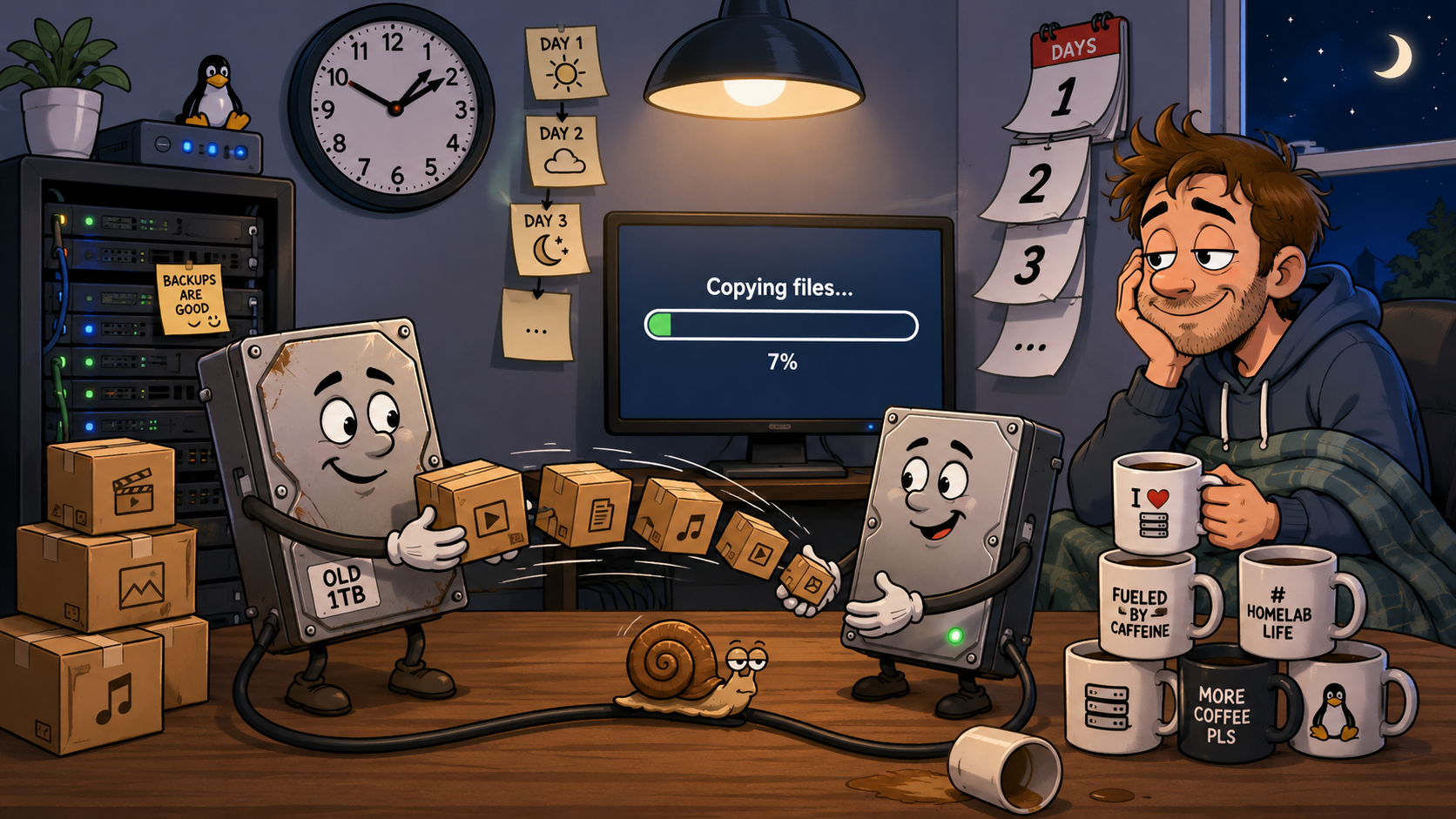
This week’s goal
Add a used 4TB hard drive to the server, replace an older drive, move the existing data safely, and leave the storage pool in a better-balanced state.
On paper, this sounded straightforward:
- install the replacement drive
- format and mount it
- copy the old data across
- add it to the storage pool
- spread the files more evenly
I expected it to take a while. I did not expect it to take as long as it did.
What I actually did
The first job was making sure the used drive was healthy enough to trust.
Before treating it as part of the live server, I checked the drive details, reviewed its SMART data, confirmed the filesystem, and made sure it mounted at the intended path.
The old drive still contained media, so I could not simply remove it and hope the pooled filesystem sorted everything out. The data had to be copied to the replacement drive first.
That meant working through the migration carefully:
- mount the new drive separately
- copy the old drive’s contents
- preserve the directory structure and file attributes
- compare the source and destination
- run a dry-run verification
- update the permanent mount configuration
- add the replacement drive to the storage pool
- restart the services that use the pool
- confirm Jellyfin, Sonarr, Radarr and qBittorrent could still see the expected paths
None of those steps was especially difficult on its own.
The time disappeared in the copying and checking.
Why it took longer than expected
Moving several terabytes is not like copying a normal folder on a laptop.
The server has to read every file from one mechanical disk and write it to another. Large media files can copy efficiently, but thousands of smaller files, directory updates and metadata operations add overhead.
The process also slows down when the source or destination disk reaches a less efficient part of the platter, when other services are accessing storage, or when the connection itself becomes the limiting factor.
More importantly, copying the files was only part of the job.
I also needed to prove that the copy was complete.
A migration is not finished when the progress bar reaches 100%. It is finished when the destination matches the source and the server still works after the old drive is removed from the active setup.
That added extra passes with tools such as rsync:
rsync -aHAX --info=progress2 /source/ /destination/Then a dry-run comparison:
rsync -aHAX --dry-run --delete /source/ /destination/The second command does not move the data again. It checks whether anything would still need to be copied, changed or removed.
Waiting for that final clean comparison felt slow, but it was the part that turned a hopeful copy into a verified migration.
Balancing the storage pool
Once the replacement drive was active, the next issue was distribution.
A pooled filesystem can present several disks as one large storage location, but that does not mean existing files automatically spread themselves evenly across every drive.
The new disk had plenty of free space while the older active disks were carrying much more data.
That imbalance was not immediately dangerous, but it reduced the benefit of adding the new capacity. Future writes could use the new drive, yet the older disks would remain comparatively full unless existing data was moved.
I therefore treated this as two separate jobs:
- recovery: move the files from the drive being replaced
- rebalancing: redistribute selected data so free space was more sensible across the active disks
Keeping those stages separate made the process easier to reason about. The first priority was preserving the old drive’s data. Only after that was verified did I start thinking about balance and free-space distribution.
What nearly went wrong
The biggest risk was impatience.
Once the main copy appeared complete, it was tempting to move on immediately, remove the old drive, and tidy everything up.
That would have saved time, but it would also have removed the easiest fallback before the verification was complete.
I kept the old source available until:
- the destination copy was complete
- the dry-run comparison was clean
- the new drive mounted using its permanent configuration
- the pooled storage showed the expected capacity
- the media services could see their libraries
- host and Jellyfin-visible file checks were consistent
The other risk was assuming that adding capacity automatically solved the balance problem. It solved the shortage of space, but the existing data still needed deliberate movement.
The result
After the migration and storage checks:
- the replacement drive was mounted correctly
- the old drive’s data was restored to the active storage
- the pooled filesystem showed the additional capacity
- the main media services could still access their paths
- the source and destination comparison was clean
- the storage layout had more usable free space
The result was worth it, but the work was closer to a small migration project than a quick hard-drive swap.
What I learned
Storage work has three different timescales:
- installation time — physically fitting, formatting and mounting the drive
- transfer time — moving terabytes of data
- confidence time — verifying the copy, checking mounts, testing services and keeping the fallback available
I had mainly estimated the first two.
The third took longer than expected, but it was also the most important.
What I’m keeping
- Verify used drives before trusting them
- Keep the original source until the replacement is proven
- Use
rsyncrather than relying on a basic copy - Run a clean dry-run comparison before removing the fallback
- Treat recovery and rebalancing as separate stages
- Check the storage from both the host and the applications using it
- Expect multi-terabyte moves to take longer than the first estimate
SmallGrid takeaway
Adding a hard drive is quick. Moving several terabytes safely is not.
The copy itself may run for hours, but the real job also includes checking the filesystem, validating the mount, comparing the source and destination, updating the storage pool, testing every dependent service, and resisting the urge to remove the old drive too early.
The lesson from this week is simple: when estimating a storage migration, allow time not only for moving the data, but also for proving that it arrived safely.