

Choose the right beginner path for your home lab.
SmallGrid is for practical home servers: quiet hardware, useful services, safe remote access, and backups that actually restore. Pick the path that matches what you are trying to do today.
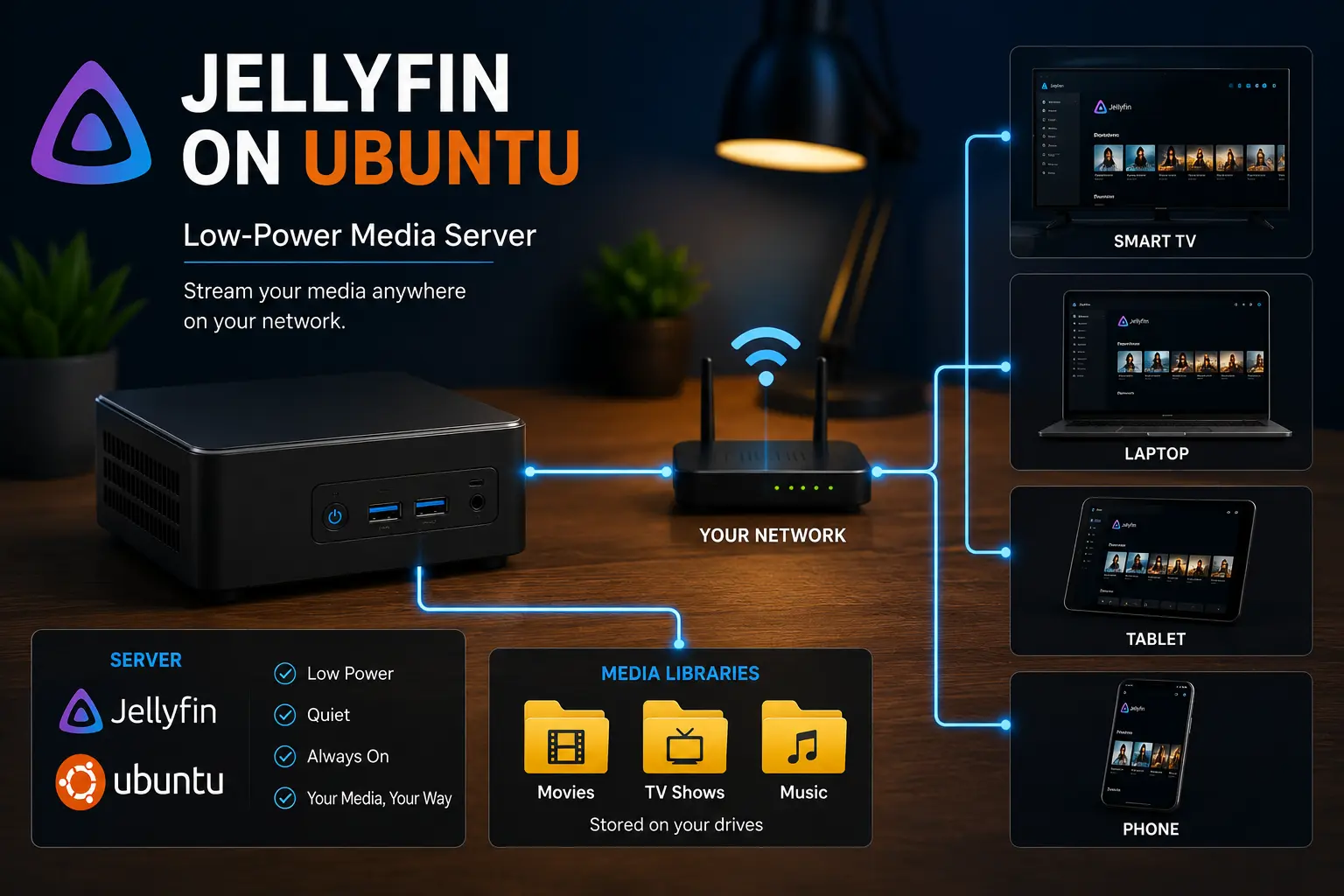
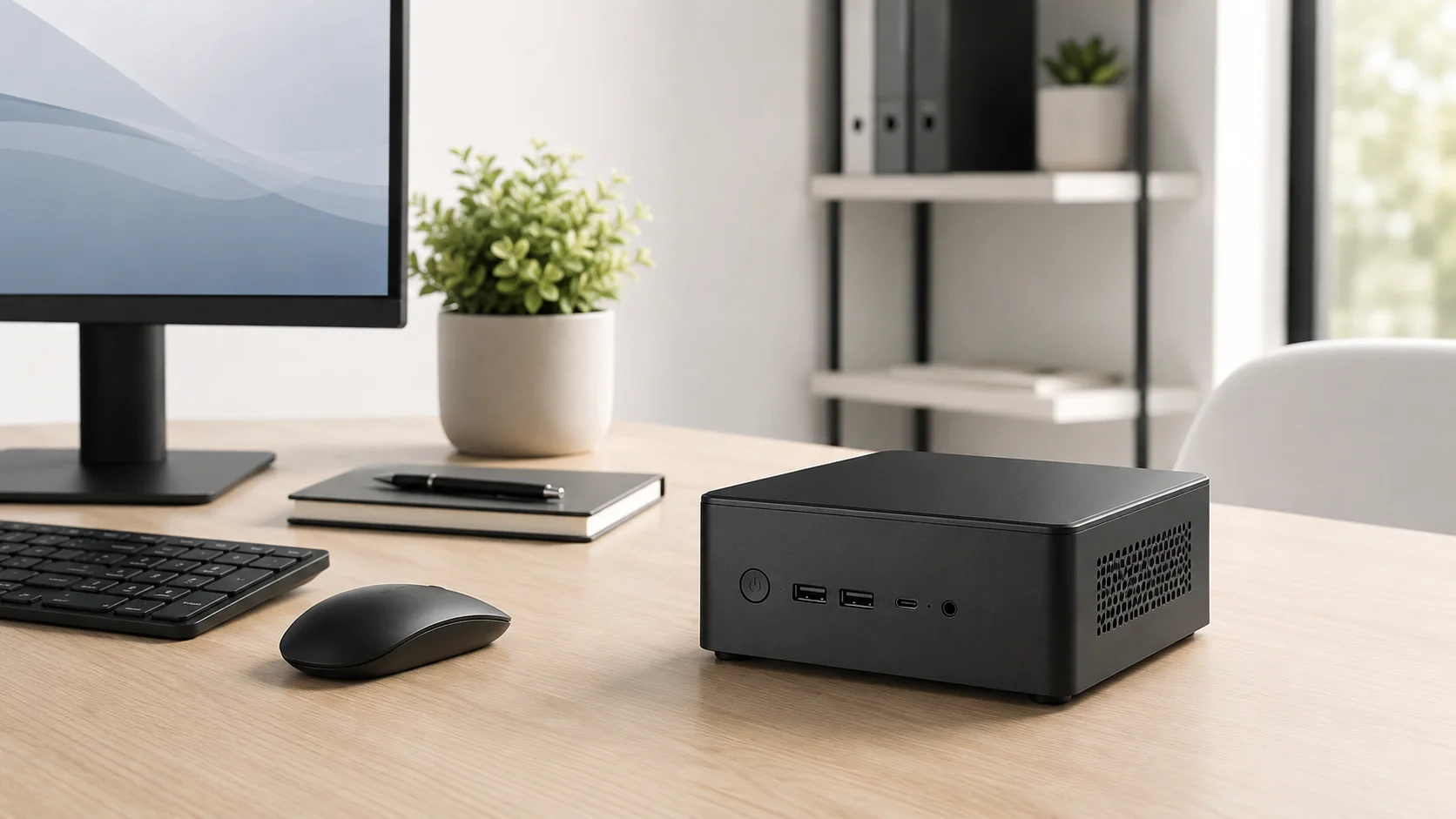
The SmallGrid starter setup
Start with one used mini PC, one SSD, one useful service, a basic backup routine, and private remote access. Do not build a cluster, buy a rack, expose ports, or add ten dashboards before the first service is working.
The boring version is usually the best version: one reliable box, clear folders, measured power use, simple recovery, and no clever complexity unless it solves a real problem.
Pick your goal
Browse all guides →I want Jellyfin working
Start here if your main goal is a usable media server without getting lost in Docker, permissions, or transcoding too early.
- How to Reduce Jellyfin Server Power Use on Ubuntu
- Give Jellyfin Access to Media Folders on Ubuntu
- Jellyfin Library Not Showing Files? 8 Checks That Fix It
- Jellyfin Direct Play vs Transcoding: What Is the Difference?
I want a cheap mini PC home server
Start here if you are choosing hardware and want a quiet, low-power box that is useful without becoming expensive.
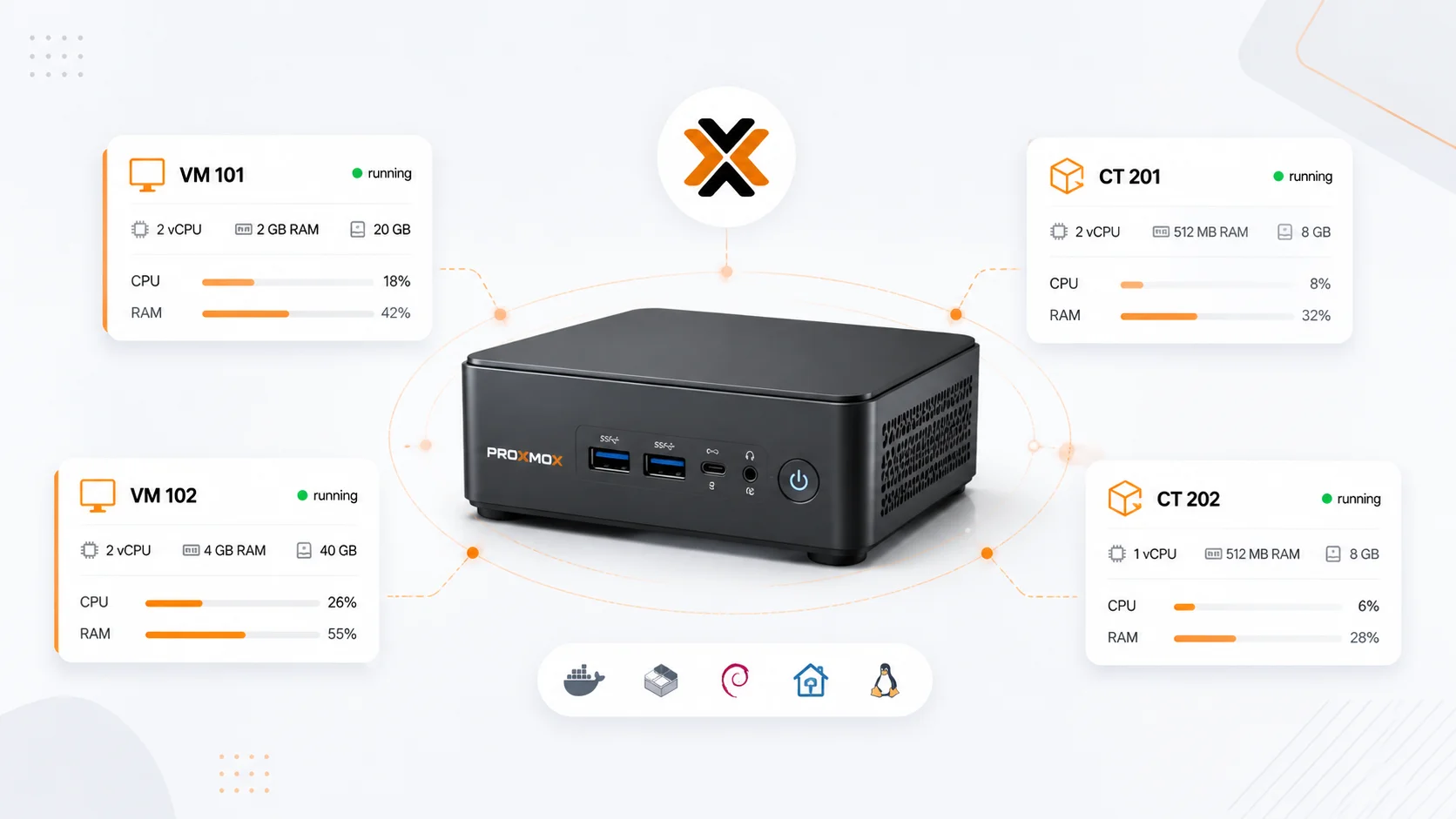
- Budget Mini PC Home Lab: Picking a Tiny Box That Can Actually Homelab
- Best Mini PC for Jellyfin: CPU, RAM and Quick Sync Specs
- How to Measure Homelab Power Usage Properly
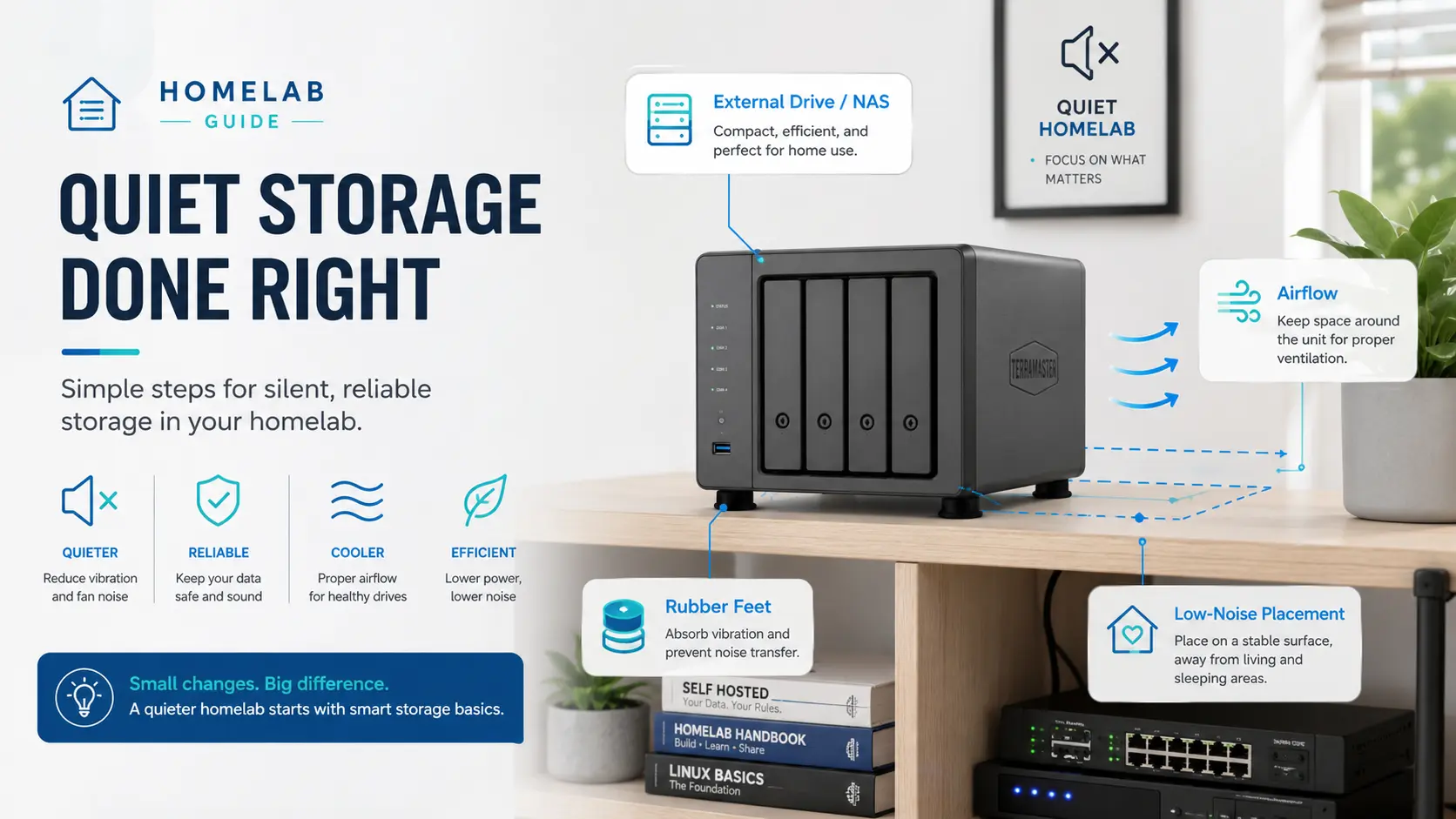
- Quiet Storage: Add Disks Without Turning Your Home Into a Datacentre
I want safe remote access
Start here if you want to reach services away from home without opening ports as your first move.
- Jellyfin Remote Access with Tailscale on Ubuntu
- Jellyfin Remote Access Safely: Tailscale, Reverse Proxy, or VPN?
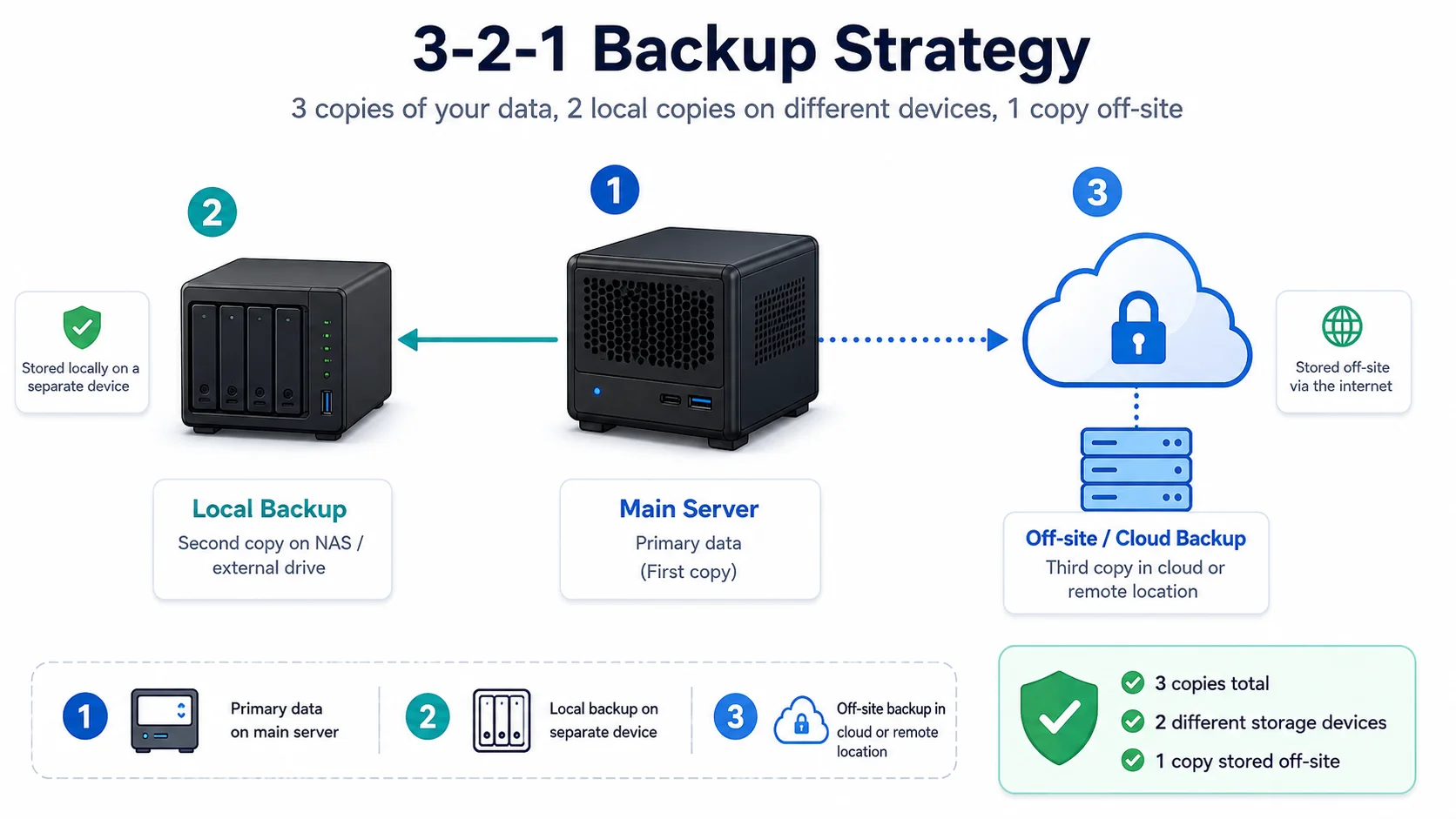
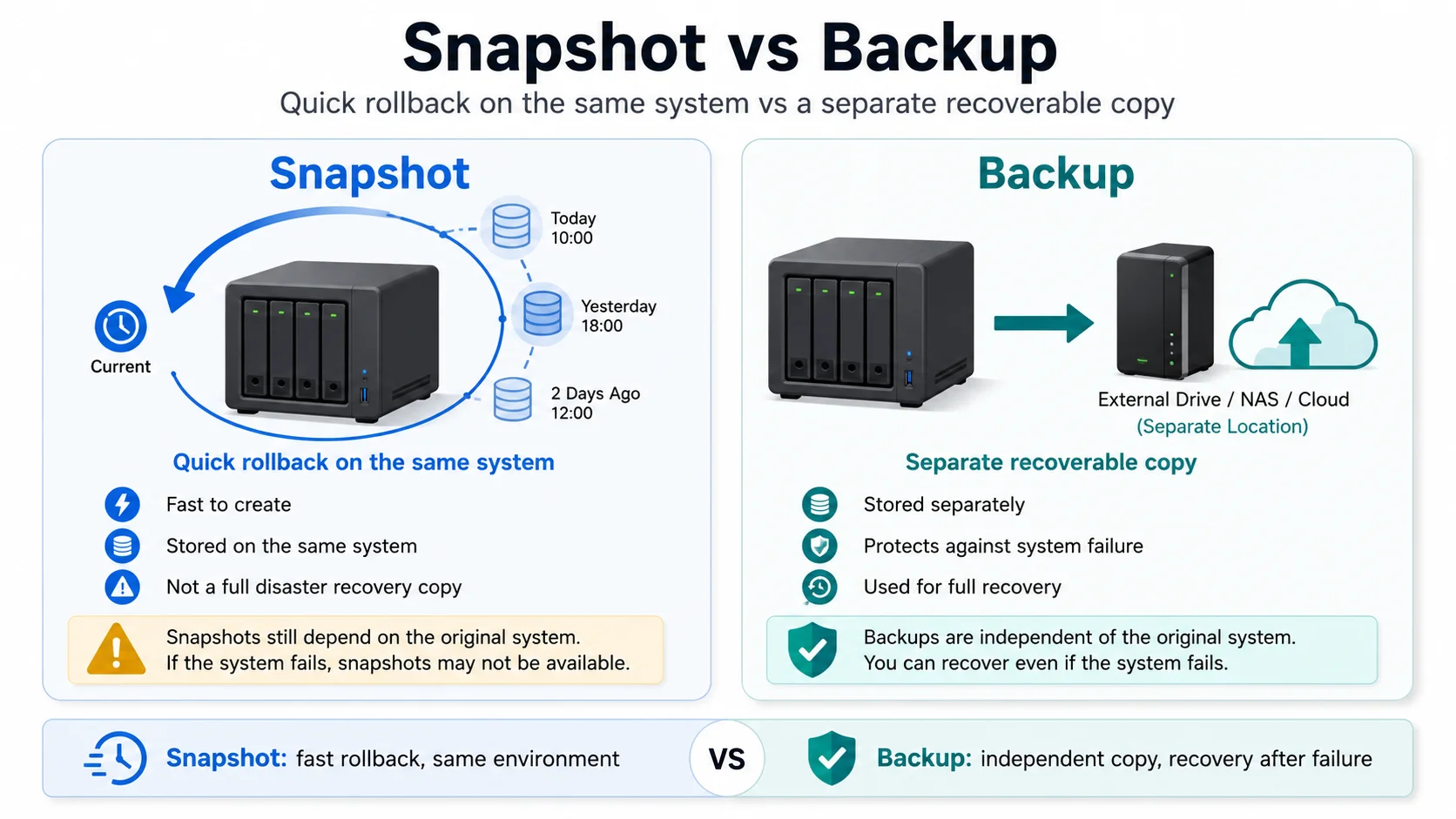
- Backups That Don’t Lie: 3-2-1 for Home Servers
I want backups that restore
Start here before your server becomes important. Make recovery boring while the setup is still small.
- Backups That Don’t Lie: 3-2-1 for Home Servers
- Proxmox Snapshots vs Backups: What Beginners Get Wrong
- Safe Experiments: Snapshots and Test Environments for Your Homelab
Avoid the usual homelab trap
Do not start with Kubernetes, a three-node cluster, public reverse proxies, GPU transcoding, and ten services you have never used. That path looks impressive but creates maintenance before value.
Build one thing that works. Back it up. Learn how to restore it. Then add the next thing.
Useful next guides
View all guides →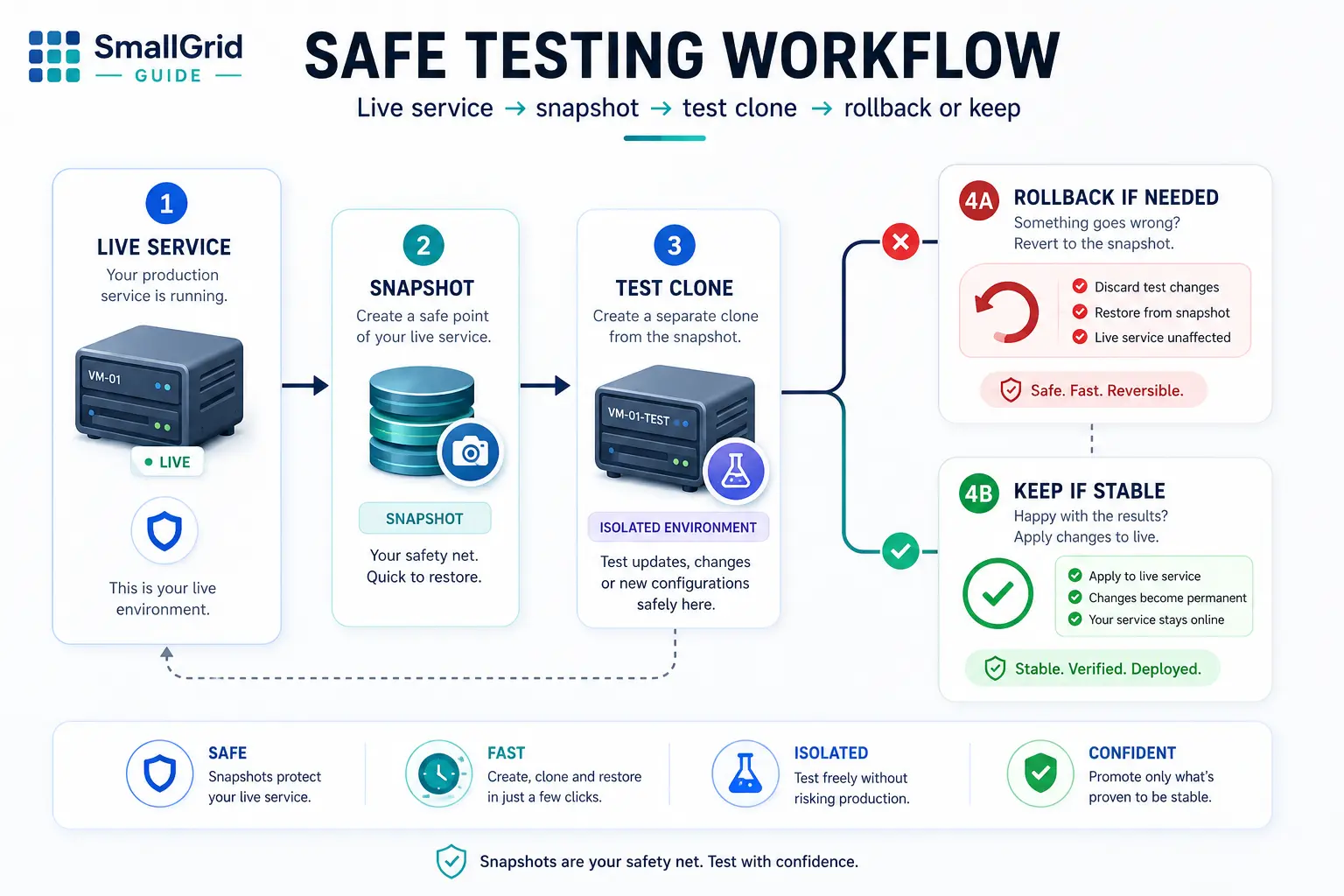
Where to go next
Use the tutorials page as the main map through the site. It groups the guides by practical job: Jellyfin, Proxmox, backups, power usage, storage, and hardware.